Home Apps Blog
CodeMenu Icon

CodeMenu

Developer knowledge base
for you and your AI

The persistent context layer for your shipping stack. Store code, prompts, research, and secrets. Accessible via IDE, Terminal, or MCP.

Local-first Semantic Search MCP Server Scriptable

7-day free trial · Works offline · macOS 12+

Capabilities

Your second brain, --offline

Designed for the modern developer workflow. No cloud sync required. No subscription needed.

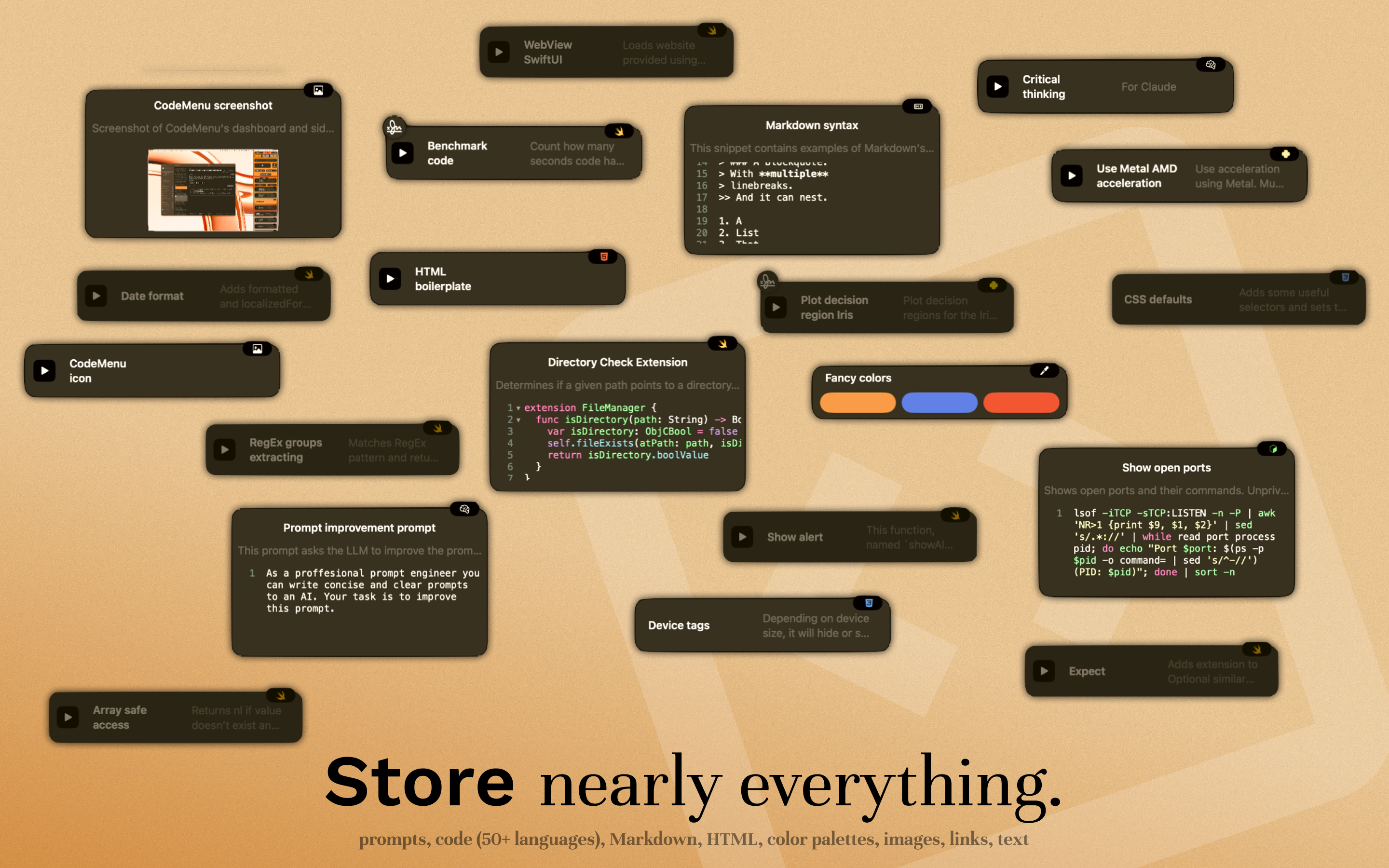
Polyglot Artifact Storage

It's not just for code. Store the entire context of your feature.

Code
60+ languages
AI Prompts
System templates
Images
Design refs
Notes
Markdown + LaTeX
Colors
Design tokens
Links
Web bookmarks

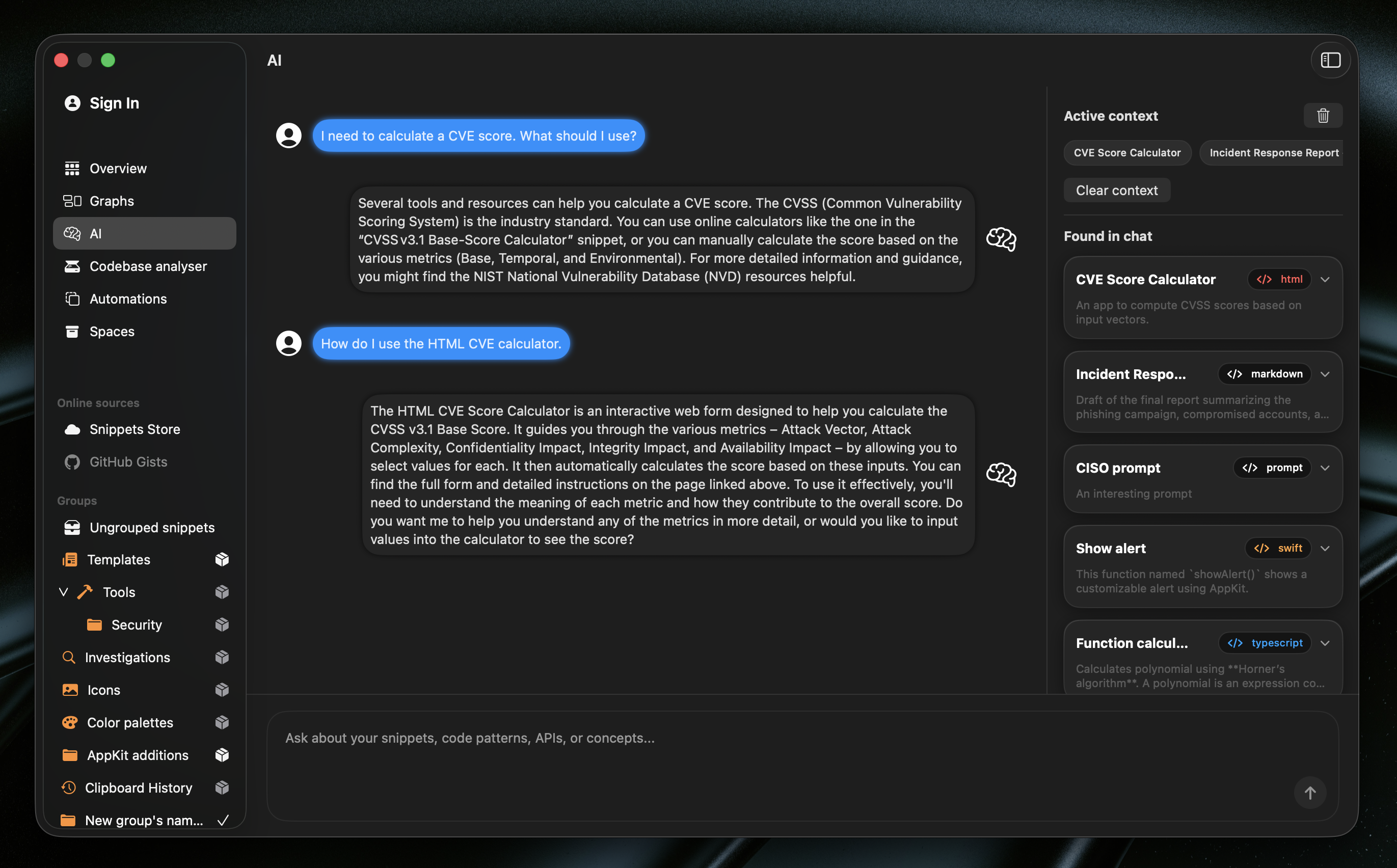
Context for your AI

Stop pasting context manually. Use the MCP Server to let Claude/Cursor read your snippets directly.

User: @CodeMenu fetch the 'stripe-webhook' snippet AI: Found it. Generating test cases based on your saved webhook handler...

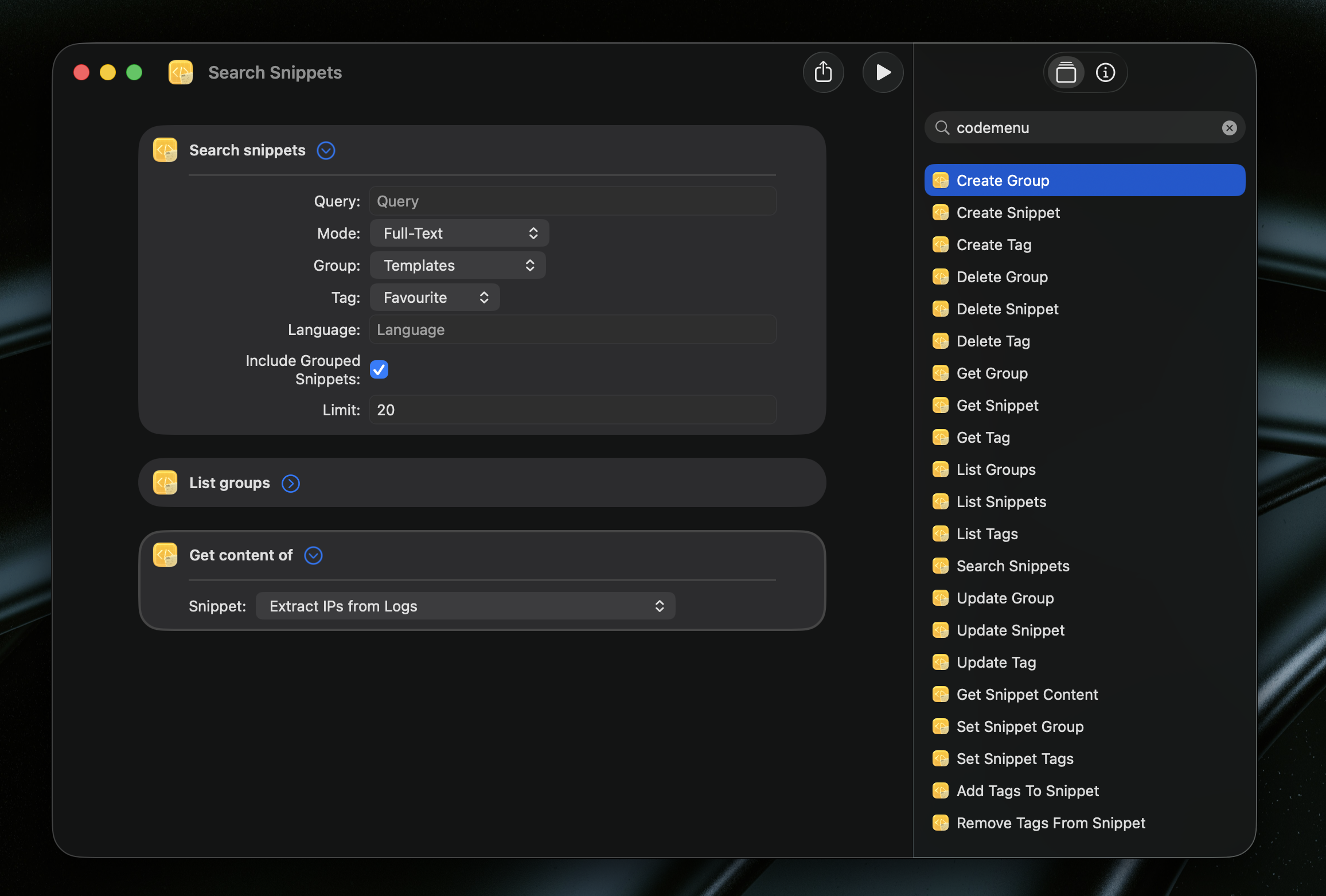
Scriptable Actions

Automate your knowledge base maintenance. Write scripts to bulk-refactor code, validate snippet syntax, or generate reports. Full access to read and modify your library programmatically.

// Example: Add license header to all Swift files const license = "// Copyright 2025 Extiri\n"; for (let i = 0; i < snippets.length; i++) { let s = snippets[i]; if (s.lang === "swift" && !s.code.includes("Copyright")) { s.code = license + s.code; s.update(); // Persist changes alert("Updated", s.title); } }

Syntax highlighting for 60+ languages

Your snippets stay readable with proper highlighting.

Prompt
Image
Color
APL
PGP
ASN.1
CMake
C
C++
Objective-C
Kotlin
Scala
C#
Java
COBOL
CoffeeScript
Lisp
CSS/SCSS
Django
Dart
Dockerfile
Erlang
Fortran
Go
Groovy
Haskell
HTML
HTTP
JavaScript
TypeScript
JSON
ECMA
Jinja
Lua
Markdown
Maths
N-Triples
Pascal
Perl
PHP
PowerShell
Properties
Protobuf
Python
R
Ruby
Rust
Sass
Scheme
Shell
SQL
SQLite
SPARQL
MySQL
LaTeX
Swift
Text
TOML
Turtle
VB.NET
Vue
XML
YAML
RegEx

Integration

The missing layer in your stack

CodeMenu sits between your editor, your terminal, and your AI tools.

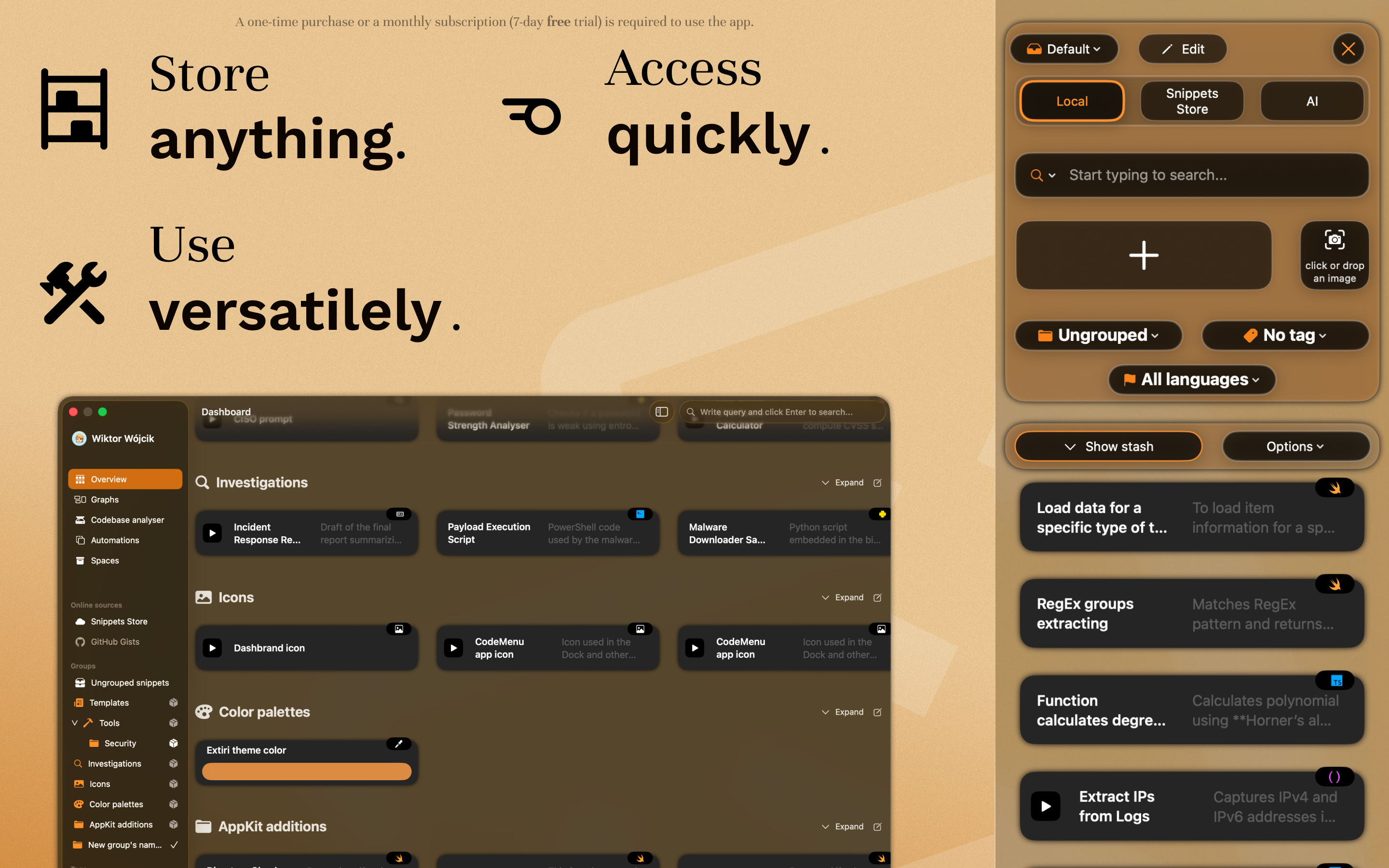
Side Window

Side Window

Keep CodeMenu pinned next to VS Code or Xcode. Drag and drop snippets, or use the Suggestions companion app to find relevant code without leaving your editor (type §§).

Suggestions App
CLI

Terminal Access

Access your library via cdmn. Features a TUI for browsing, fuzzy search for quick retrieval, and scriptable output (like JSON).

# Install cdmn $ go install github.com/extiri/cdmn@latest # Fuzzy search for "show alert" $ cdmn get "show alert"
CodeMenu CLI
AI

MCP Server

Connect CodeMenu to Claude Desktop or Cursor. Give your AI agent read-access to your personal documentation and verified code patterns.

MCP Server
CodeMenu promo 1 CodeMenu promo 2 CodeMenu promo 3 CodeMenu promo 4 CodeMenu promo 5 CodeMenu promo 6 CodeMenu promo 7

Engineered for Focus

Structured for Focus

Context switching kills flow. Use Spaces to isolate only the snippets relevant to your current project. Dump temporary ideas into Stashes for quick access without the clutter. Of course, standard Groups and Tags are there when you need them.
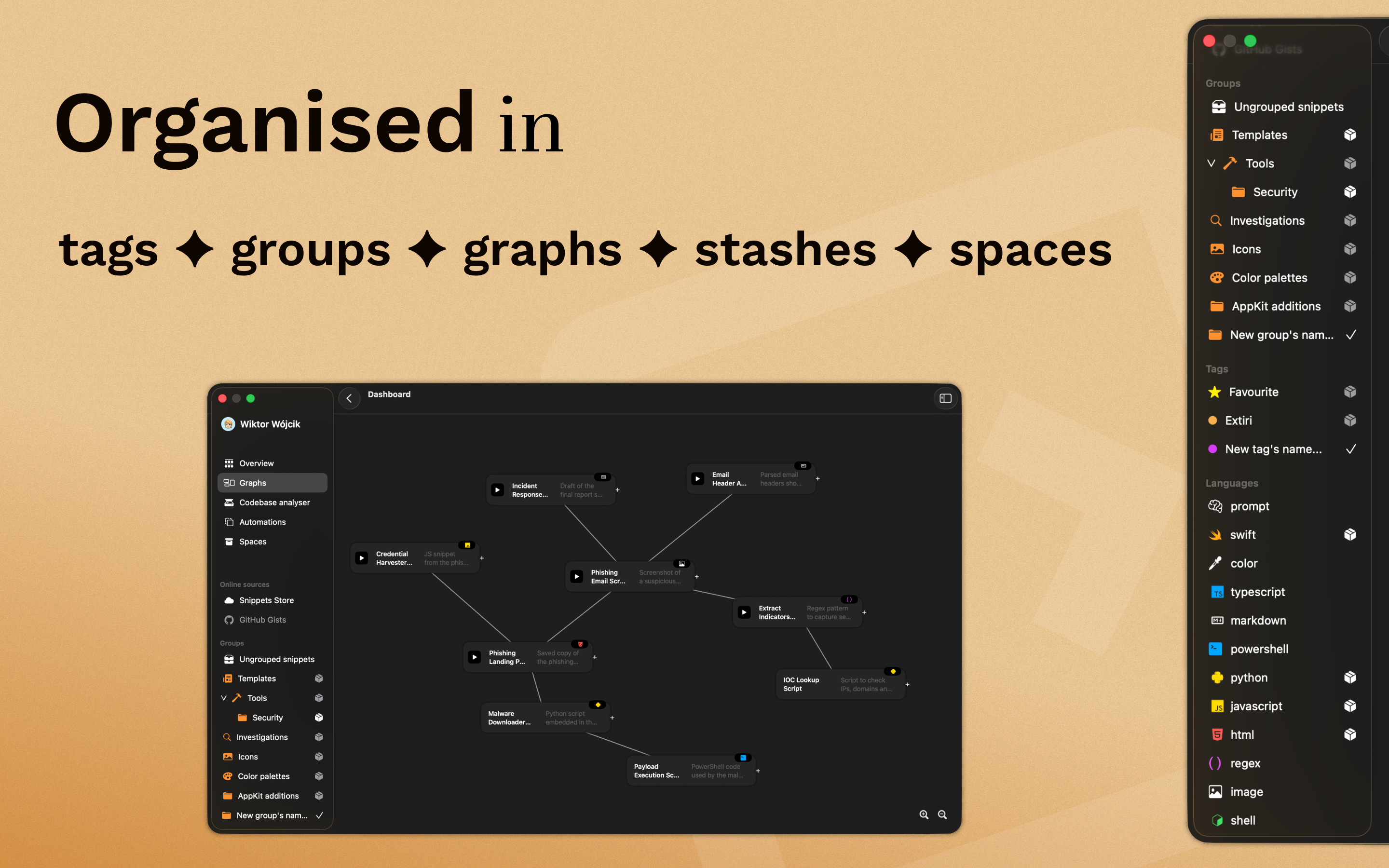
Organization with Spaces and Stashes

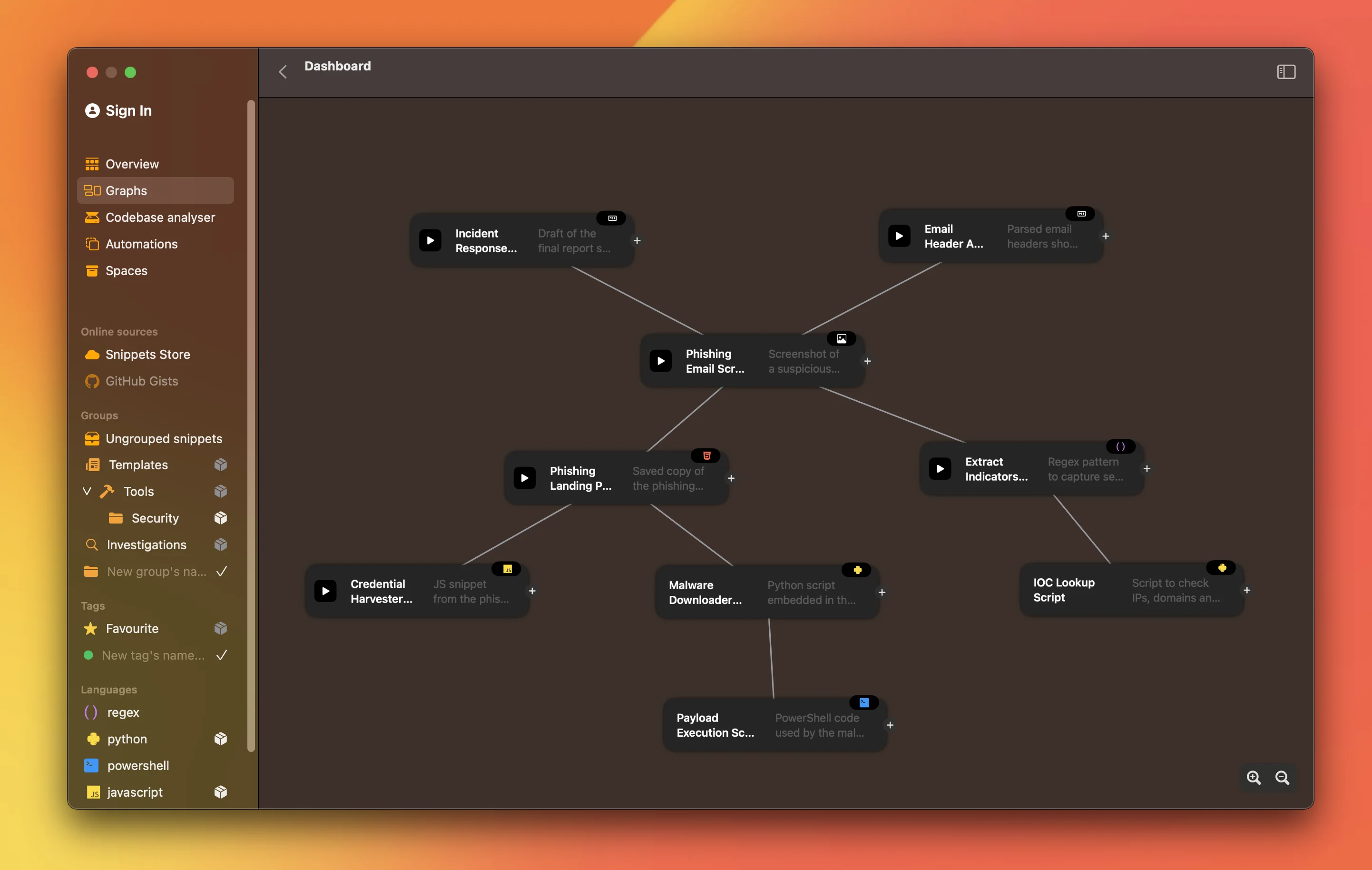
Visual Knowledge Graph

Knowledge doesn't live in isolation. Link an OSINT screenshot to your research notes, or a database config to its migration script. Navigate your knowledge base visually to rediscover connections you forgot you made.

Graph View showing connected nodes

First-Class Artifacts

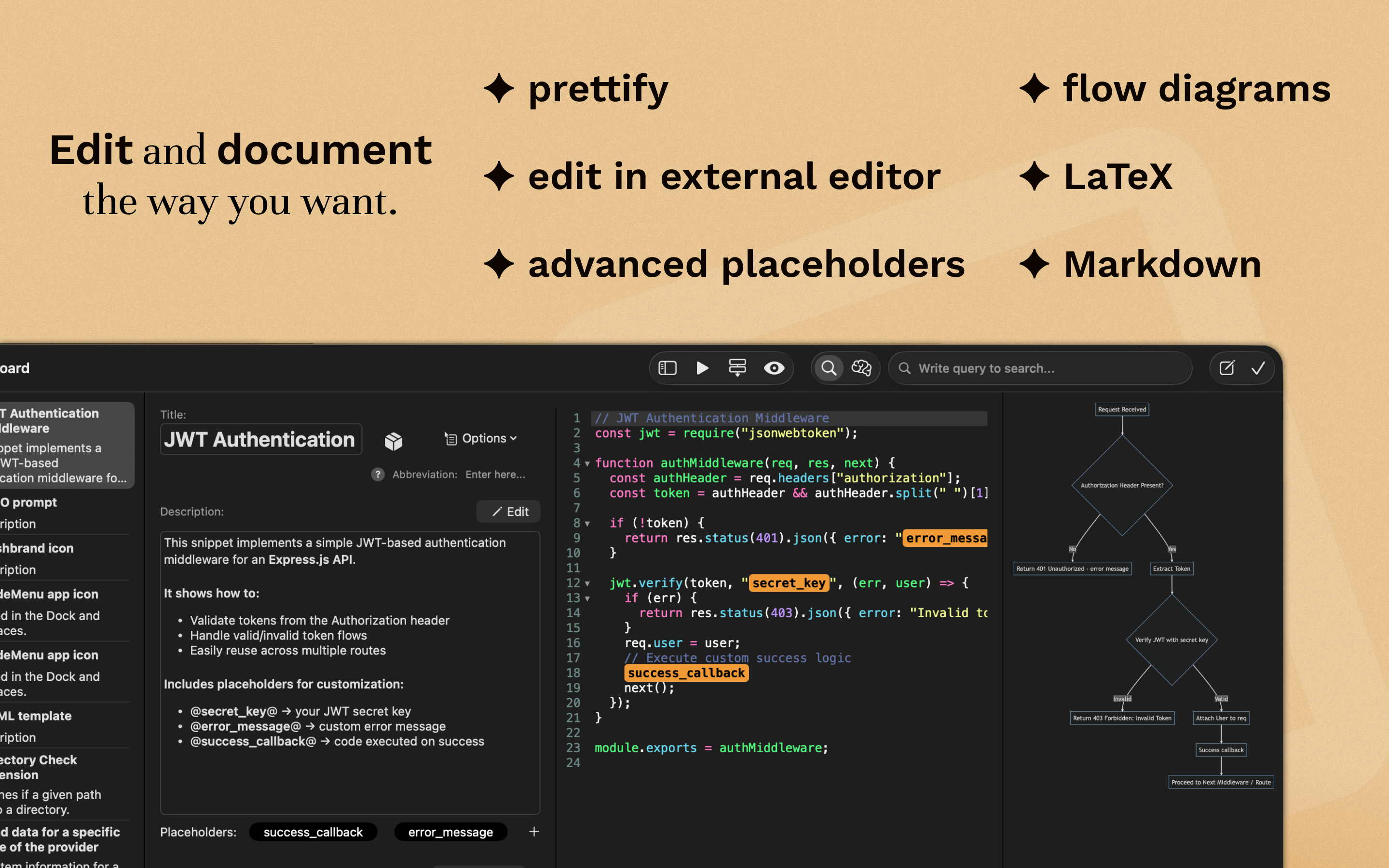
It's not just a text bucket. CodeMenu renders Markdown with LaTeX support, previews images and colors, and highlights syntax for 60+ languages. Store the entire context of your work, from PDFs to shell scripts.

Various content types including images and code

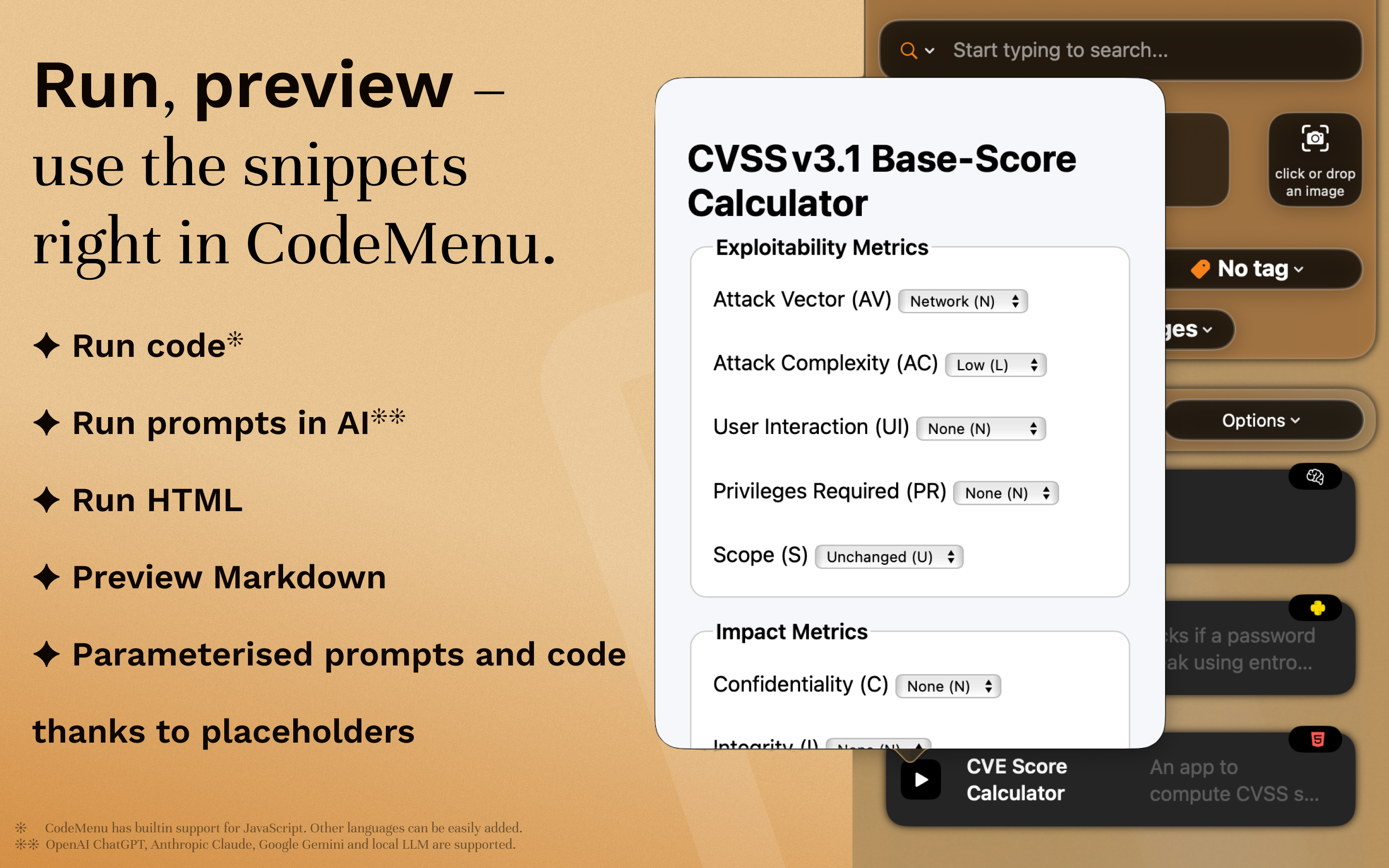
Run & Preview

Don't just store code—execute it. Run shell scripts directly from the app, preview HTML/JS snippets in a sandboxed web view, or test that Regex before you commit it.

Running and previewing code snippets

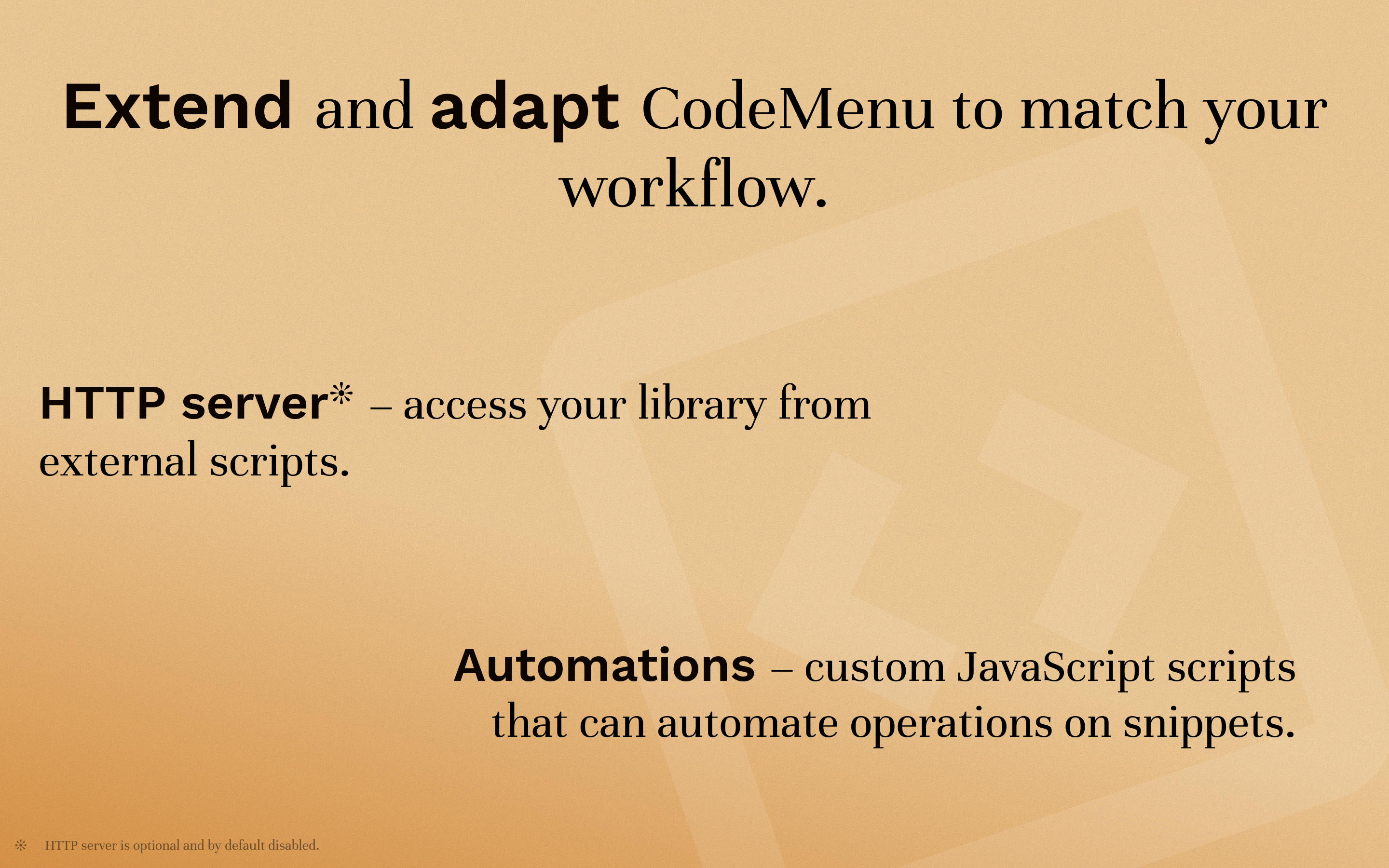
Headless & Scriptable

The built-in HTTP server exposes your library to your local network of tools. Fetch snippets via `curl`, integrate with Raycast, or write JavaScript automations to transform content on paste.

# Access your snippets from anywhere $ curl localhost:1300/v1/snippets
HTTP Server and Automation settings

Complete Developer Toolkit

A Swiss Army knife for your daily tasks. Includes a code image generator, JSON formatter, UUID generator, and more. Everything you usually Google for, now offline and instant.

Utilities and extra features

More than a snippet manager

Basic snippet tools CodeMenu
Content types Text Code, prompts, images, colors, notes
Organization Folders, tags Folders, tags, graph links
Search Text search Text search + semantic search
Automation Text expansion JavaScript, HTTP calls, dynamic placeholders
Data storage Cloud Local (offline-first)

FAQ

It's a developer knowledge base. While it excels at snippets, it's designed to store your entire context: API responses, design tokens, prompt templates, and research notes. It's the long-term memory for your shipping workflow.

Locally on your Mac in a standard SQLite database. CodeMenu is offline-first and privacy-focused. Your code never leaves your machine unless you explicitly choose to share it.

The built-in HTTP server provides a local API for your other tools to access your library. It is not for public sharing. Use it to fetch snippets via scripts, integrate with Raycast/Alfred, or build custom workflows that need access to your knowledge base.

Yes. CodeMenu is designed to be the context layer for your AI. Use the MCP server to let Claude or other agents query your library, or use the local semantic search to find relevant context to paste into your LLM.

Yes, there is a 7-day free trial available on the Mac App Store. You can choose between a one-time purchase or a subscription.