Home Apps Blog
CodeMenu Icon

CodeMenu

Developer knowledge base for Mac

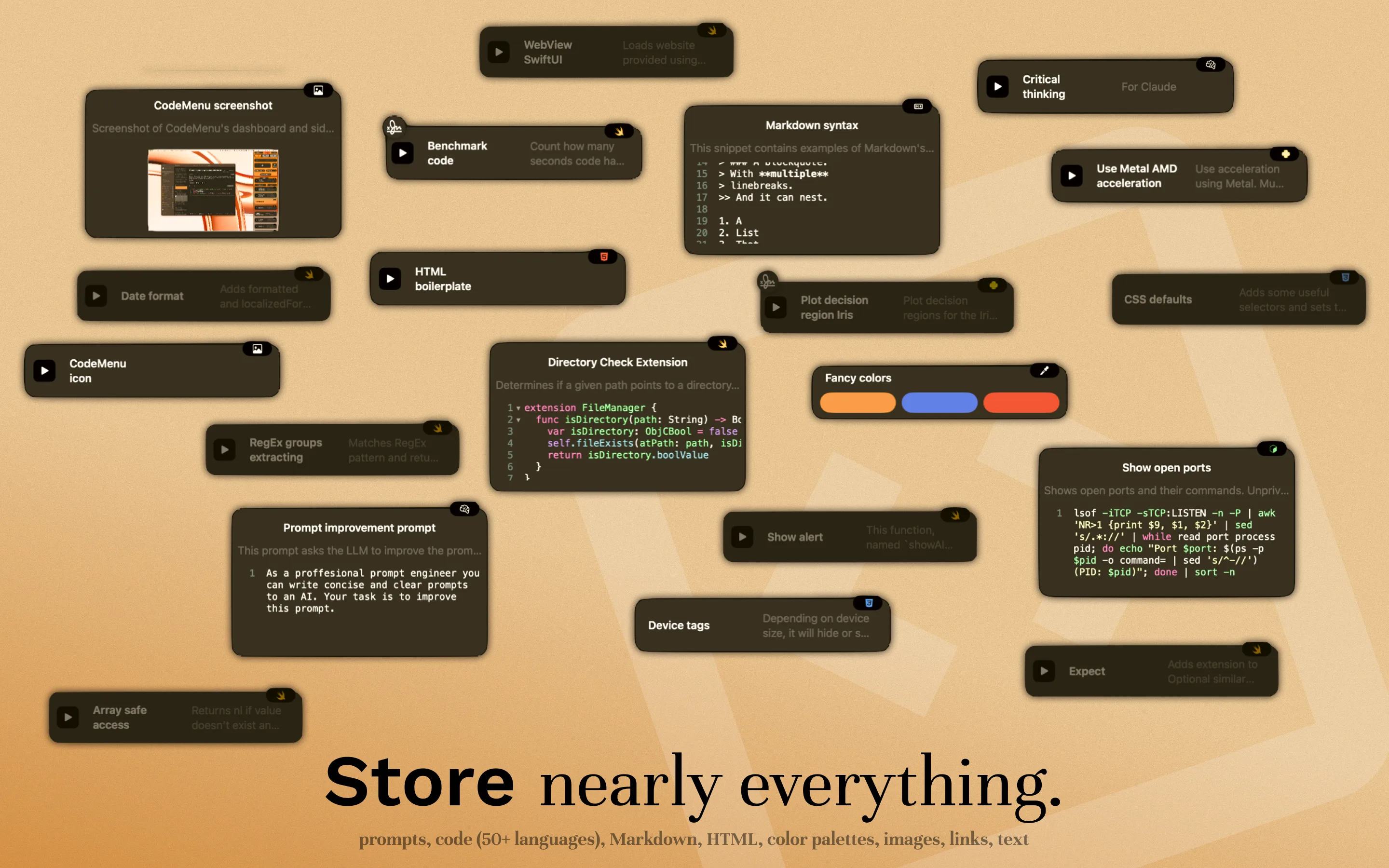
The ultimate snippet manager and knowledge base. Capture code, prompts, screenshots, and research—and retrieve the full story in seconds.

Private library Graph + Semantic Search Automation

7-day free trial · Works offline · macOS 12+

Your Developer Knowledge Base

One place for context, code, and delivery

Log the rough idea, the UI draft, the API call, and the release notes inside a single knowledge base so you always know how a feature came together.

Plan inside one knowledge base

Save feedback, naming ideas, AI drafts, and flows per project so planning notes live beside the implementation.

Design, write, and iterate

Keep visuals next to the notes and prompts that shaped them, and link related artifacts so every draft pulls from the same knowledge base.

Ship, learn, and improve

Turn artifacts into templates, run JavaScript helpers or HTTP calls, and share highlights to Snippex so your knowledge base keeps leveling up.

Works with your stack

CodeMenu speaks your language. The most versatile snippet manager for any technology.

Prompt
Image
Color
APL
PGP
ASN.1
CMake
C
C++
Objective-C
Kotlin
Scala
C#
Java
COBOL
CoffeeScript
Lisp
CSS/SCSS
Django
Dart
Dockerfile
Erlang
Fortran
Go
Groovy
Haskell
HTML
HTTP
JavaScript
TypeScript
JSON
ECMA
Jinja
Lua
Markdown
Maths
N-Triples
Pascal
Perl
PHP
PowerShell
Properties
Protobuf
Python
R
Ruby
Rust
Sass
Scheme
Shell
SQL
SQLite
SPARQL
MySQL
LaTeX
Swift
Text
TOML
Turtle
VB.NET
Vue
XML
YAML
RegEx

The Workflow

From Chaos to Order

1

Capture

Don't lose the thought. Save code, prompts, and screenshots instantly with global shortcuts.

2

Organize

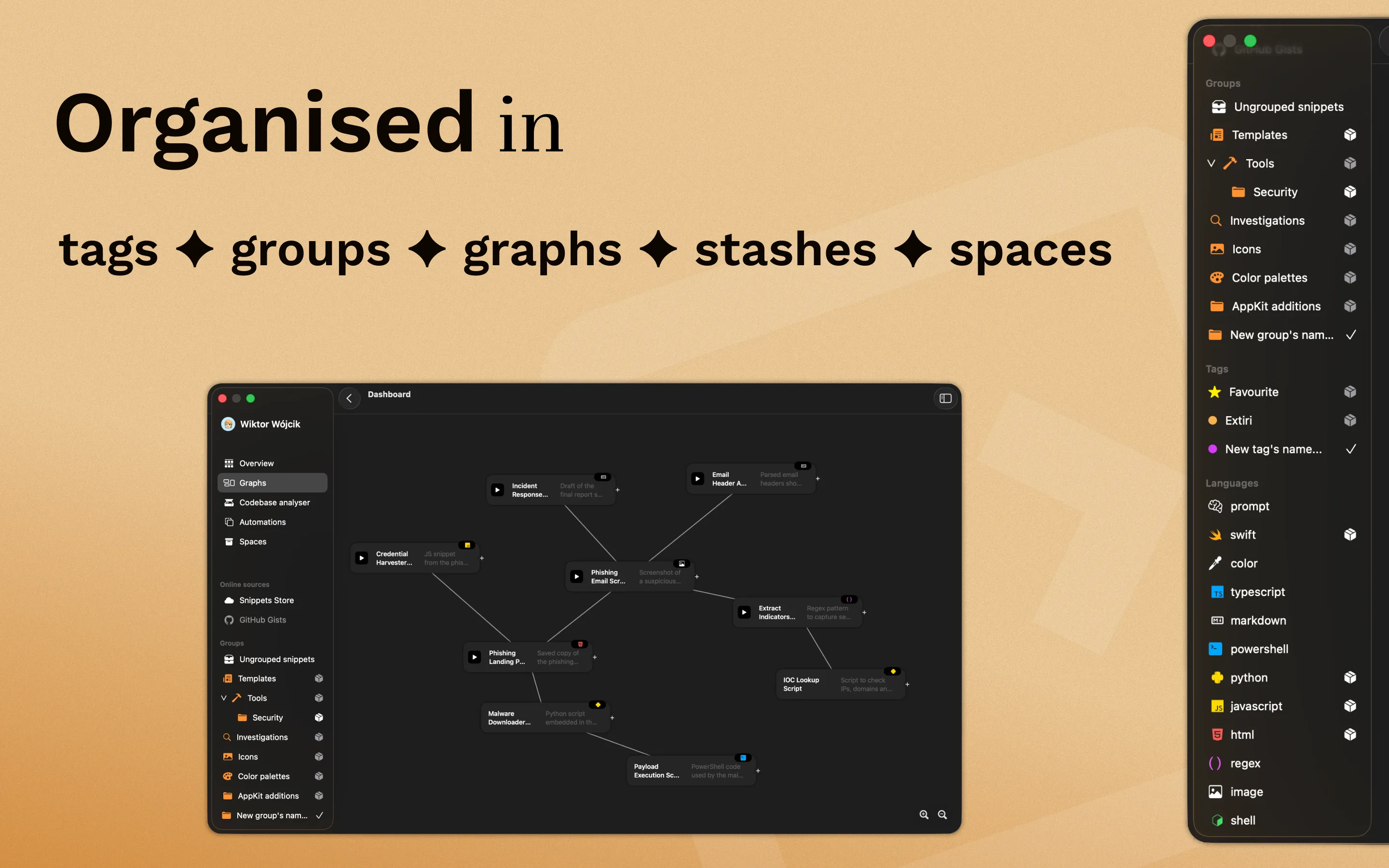
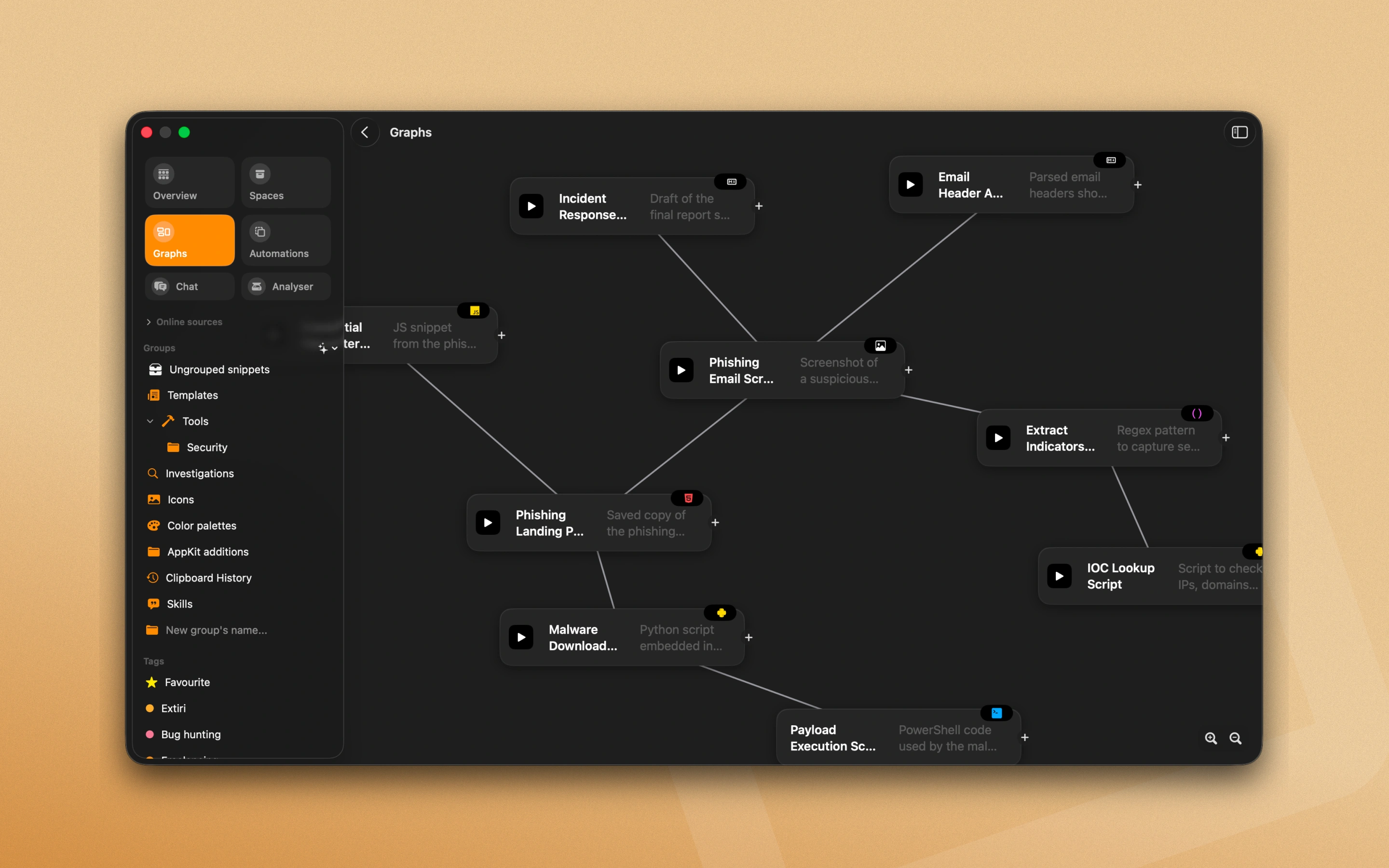
Connect the dots. Link related artifacts, add tags, and build a graph of your project's context.

3

Automate

Speed up. Use your stored snippets to generate boilerplate, run scripts, and ship faster.

CodeMenu promo 1 CodeMenu promo 2 CodeMenu promo 3 CodeMenu promo 4 CodeMenu promo 5 CodeMenu promo 6 CodeMenu promo 7

Store every part of your project

💻

Code & Infrastructure

Keep artifacts, migration scripts, API payloads, shell logs, and fix notes anchored to one knowledge base.

🤖

AI Prompts & Playbooks

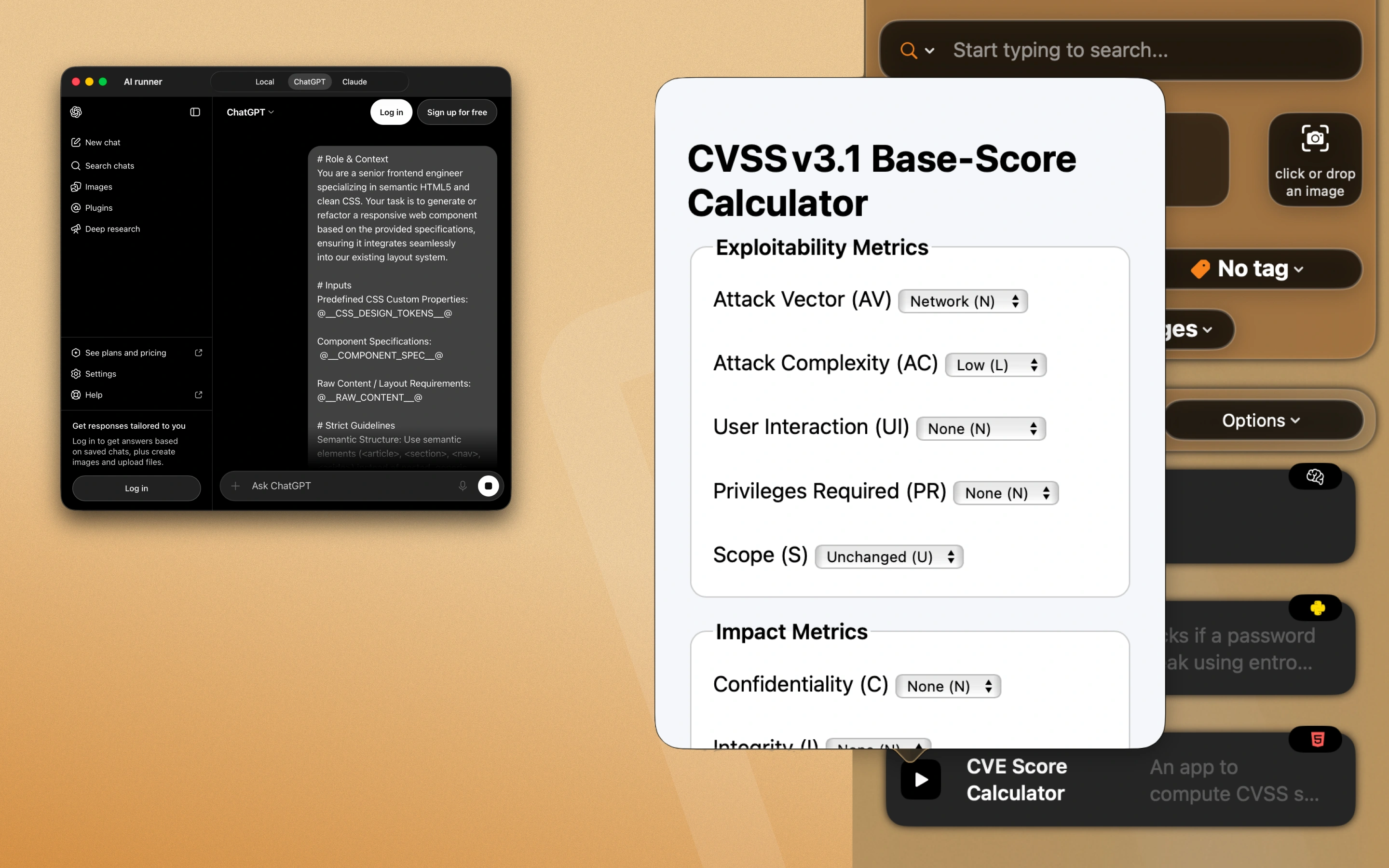
Save prompts, canned replies, automation notes, and checklists so your AI playbooks live inside the same knowledge base. To let the Suggestions AI securely query your library, run the optional MCP server (github.com/Extiri/codemenu-mcp).

🎨

Design & Context

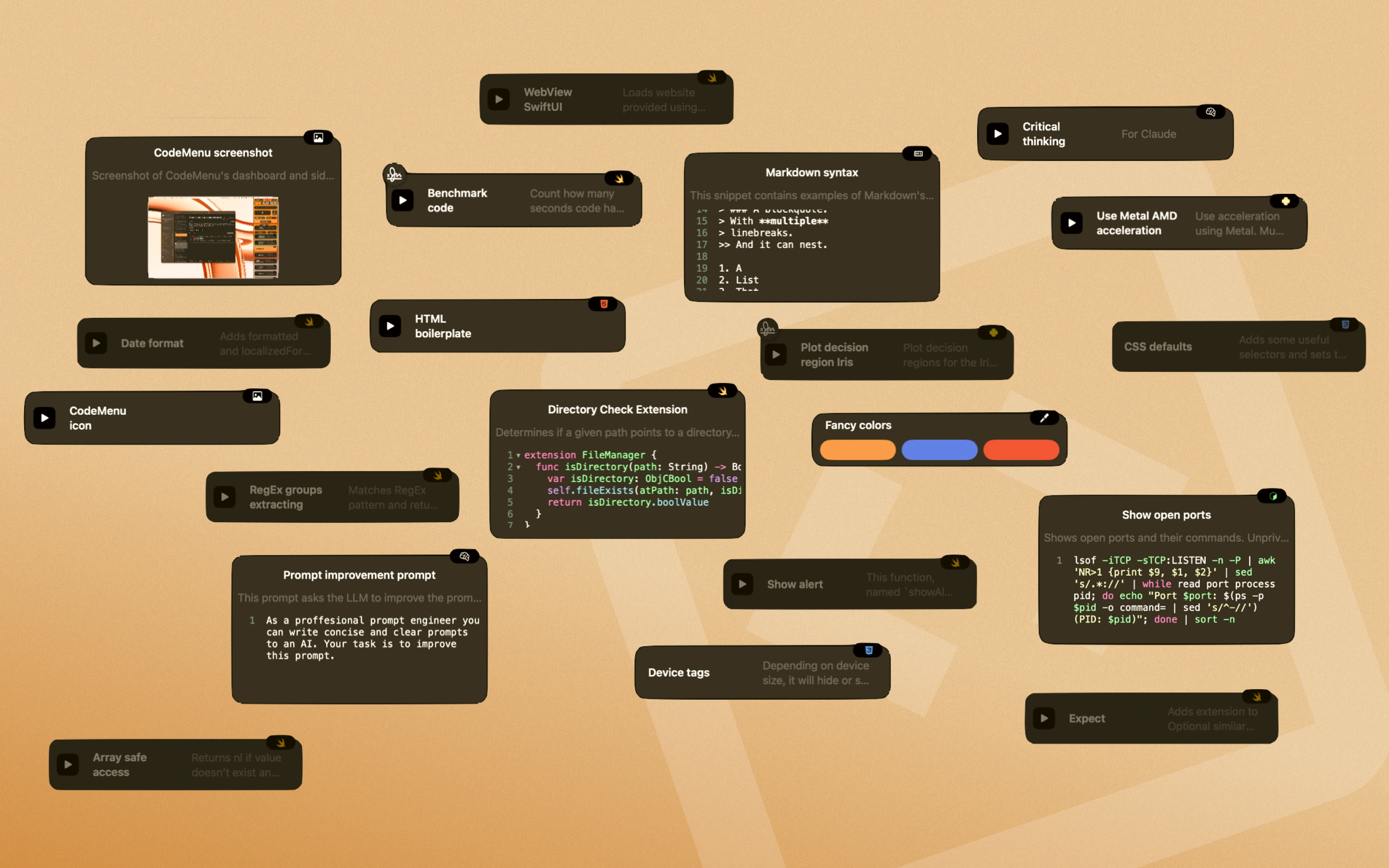
Pin palettes, layout decisions, research notes, and annotated screenshots next to the code that uses them.

📝

Docs & Rituals

Record onboarding steps, launch plans, personal SOPs, and meeting notes with links and offline search.

How CodeMenu grows your knowledge base

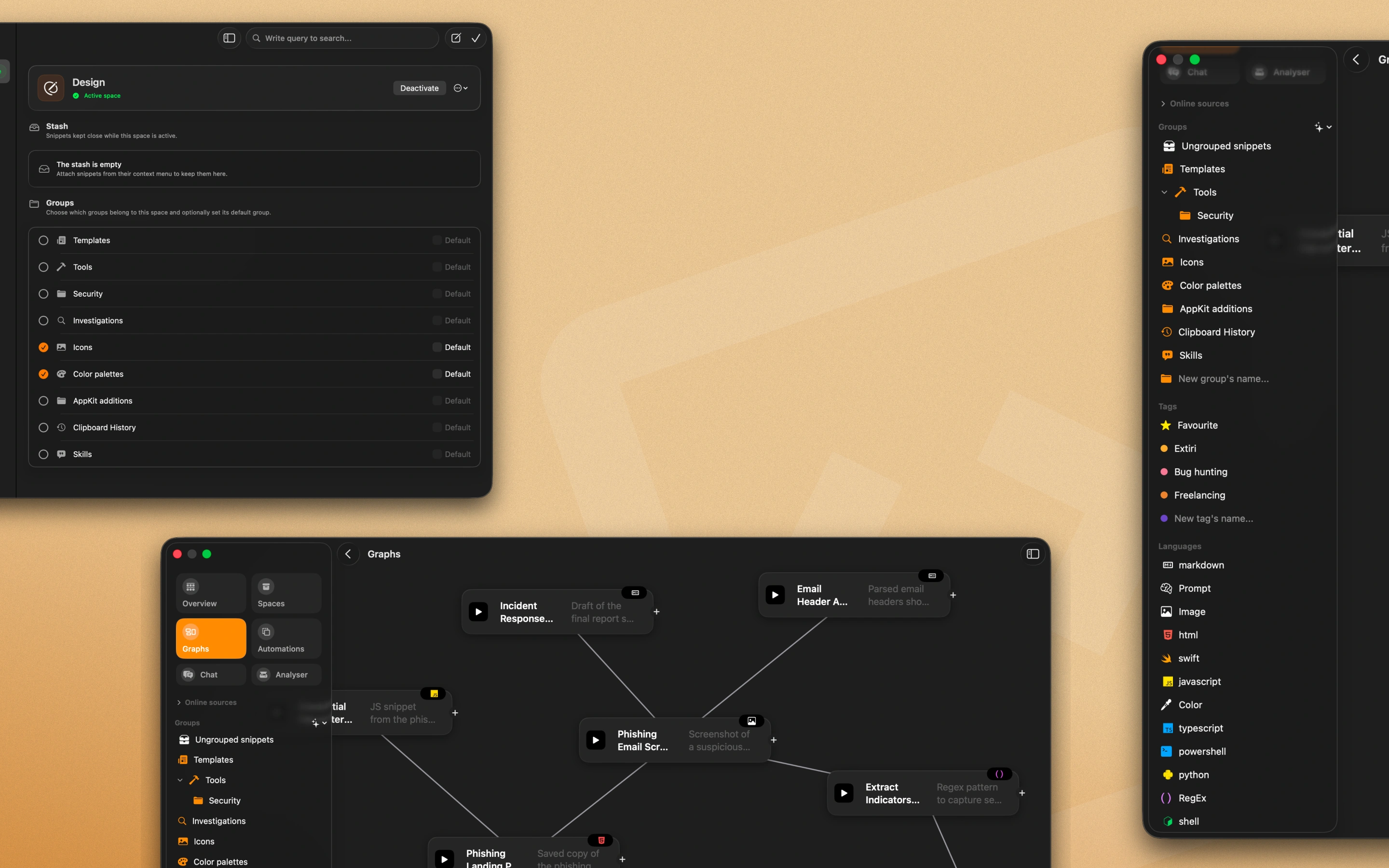
Capture the messy middle

Log early thoughts, shell history, interviews, prompts, and sketches as they happen so they land in the knowledge base, not an inbox.

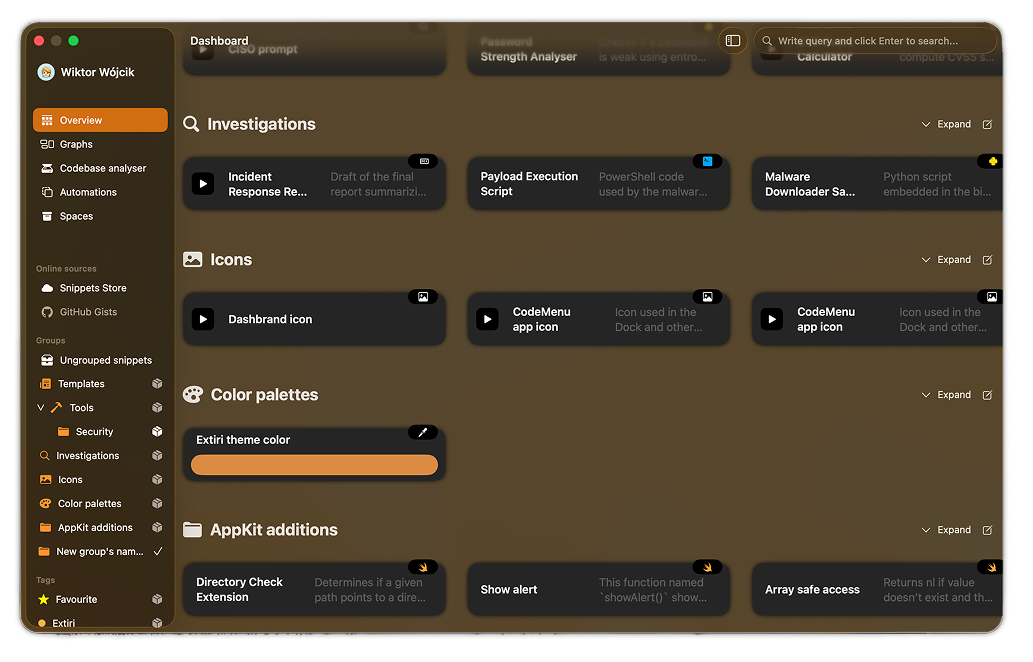
Graph View

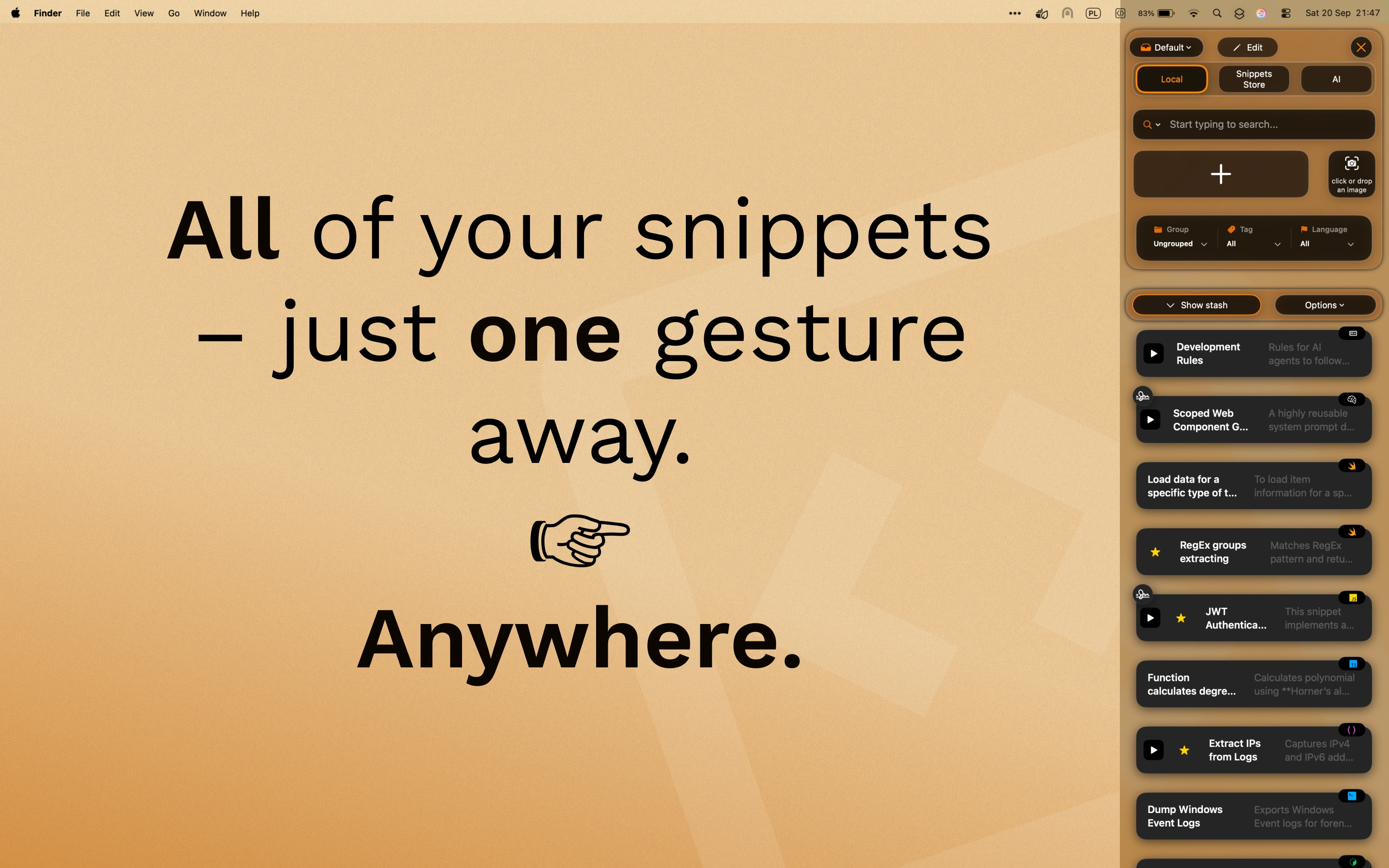
Recall at the speed of a shortcut

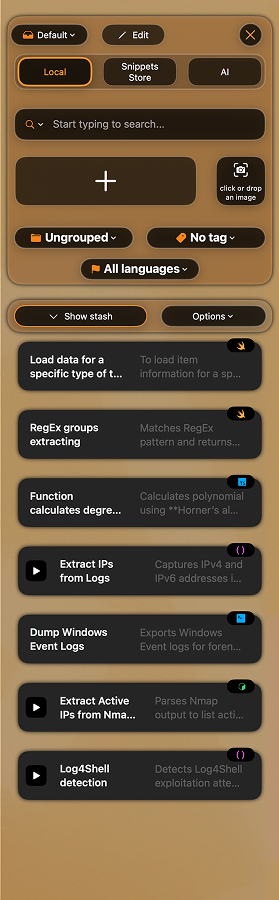
Pull up the prompt, clause, or migration script you need with abbreviations, side window, the Suggestions app, and fast search. Optionally run the MCP server (github.com/Extiri/codemenu-mcp) — it enables only the Suggestions AI to search and retrieve snippets from your workspace.

Side Window

Tools that keep momentum

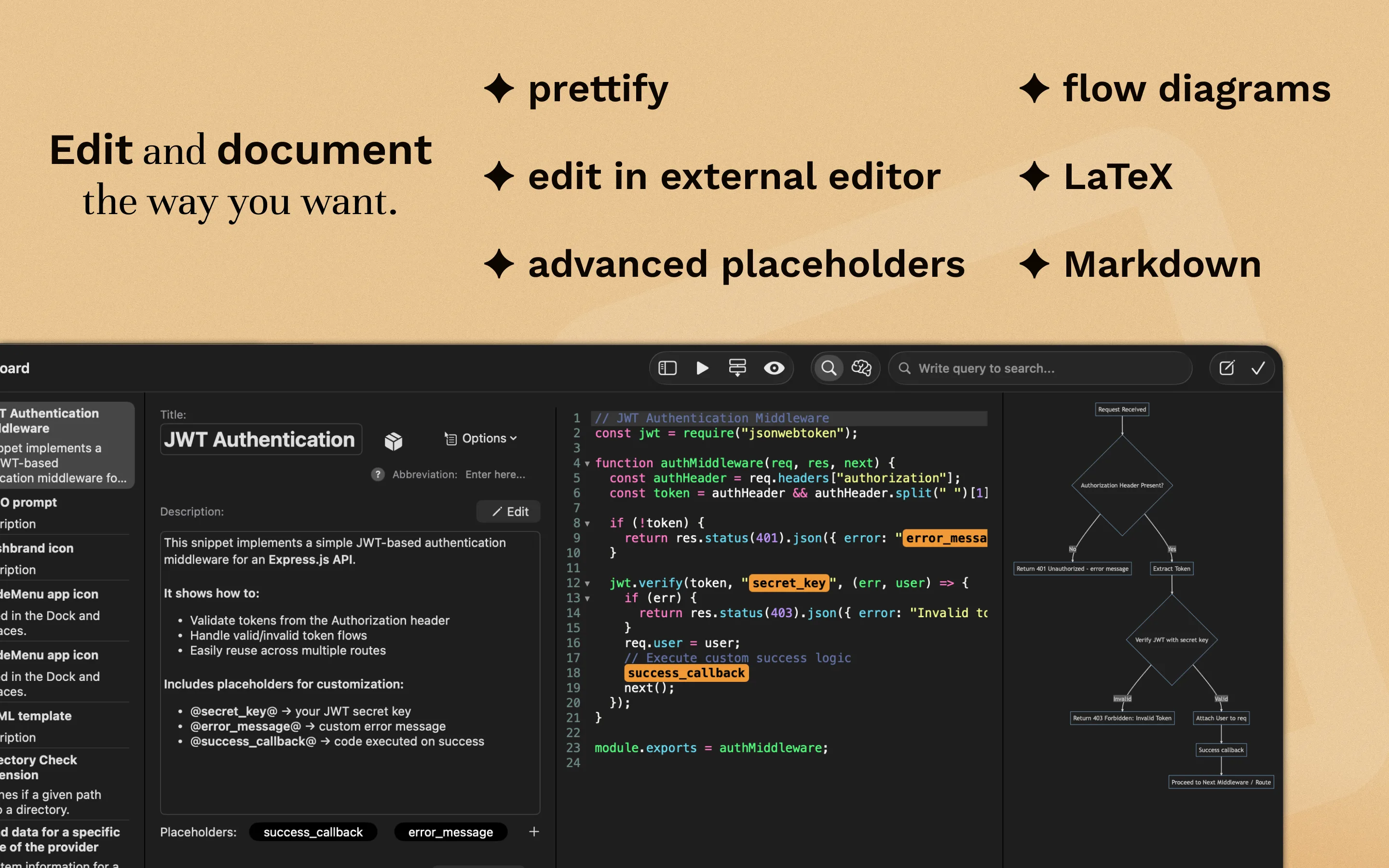
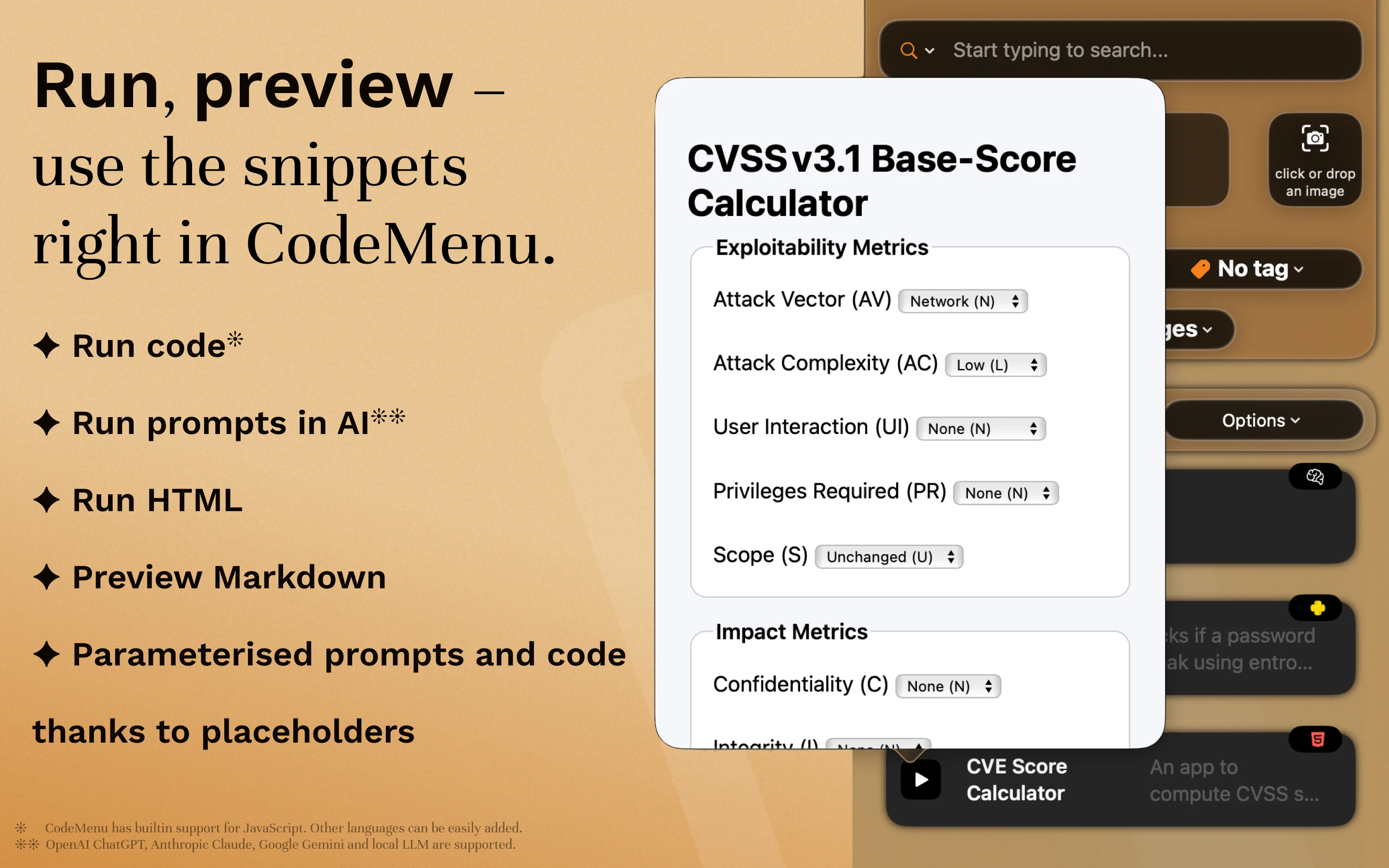
Work faster with bundled editors, converters, mock data generators, a RegEx tester, and a code-to-image creator.

Utilities

Why CodeMenu is more than just a snippet manager

Capability Typical artifact manager CodeMenu
Artifacts stored Code and text-only artifacts Code, prompts, screenshots, palettes, flow diagrams, docs, research notes, and linked automations
Context + relationships Tags or folders Graph view, graph links, semantic search, custom metadata, and connected workflows
Automation Limited artifact expansion Runnable JavaScript, HTTP triggers, dynamic placeholders, abbreviations
Privacy & control Cloud-first, limited export Offline-first, local workspace, export to JSON

FAQ

CodeMenu is a next-generation snippet manager and developer knowledge base. It keeps code, prompts, visuals, research, and decisions together so your context and execution stay side by side.

Save artifacts, API payloads, prompts, UX research, screenshots, PDFs, diagrams, and even audio or video references. Add Markdown notes, custom metadata, tags, and graph links.

Your library lives on your Mac and works offline by default. Publish curated spaces through Snippex—Extiri’s gallery—or enable the optional HTTP server when you want to share.

Yes. Trigger JavaScript transforms, run shell commands, call HTTP endpoints, and use dynamic placeholders to generate content on the fly.