Home Apps Blog Download
CodeMenu Icon CodeMenu

Store code snippets, AI prompts, and research.

One local-first developer knowledge base. Replace scattered Markdown files, Apple Notes, and text files with a fast, searchable, AI-friendly macOS workspace.

Local-first Semantic Search MCP Server Scriptable

lifetime or monthly · 14-day free trial · Works offline · macOS 13+

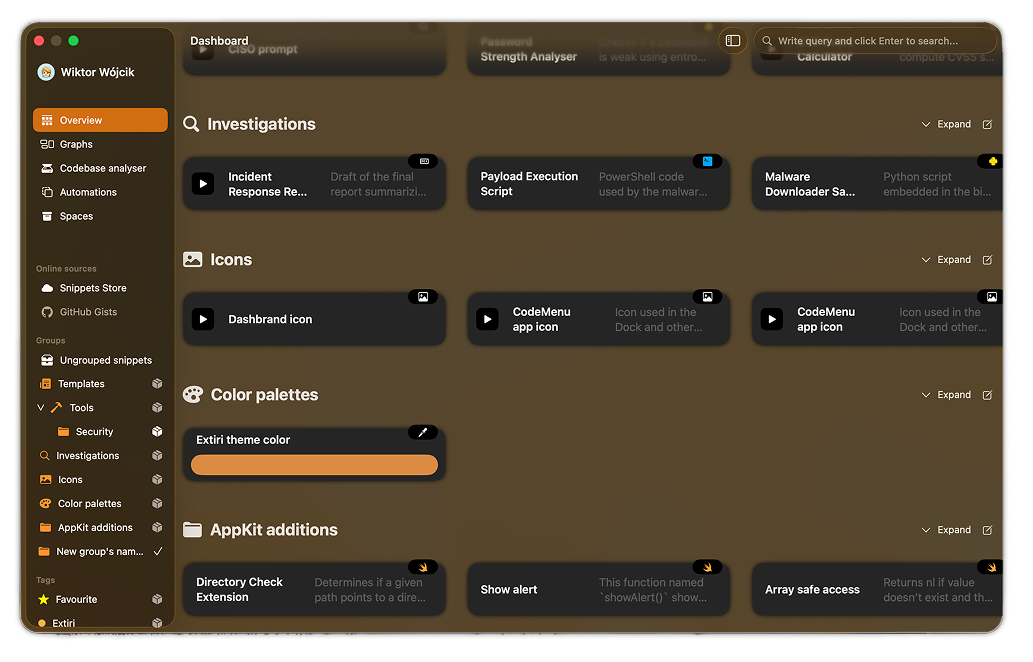
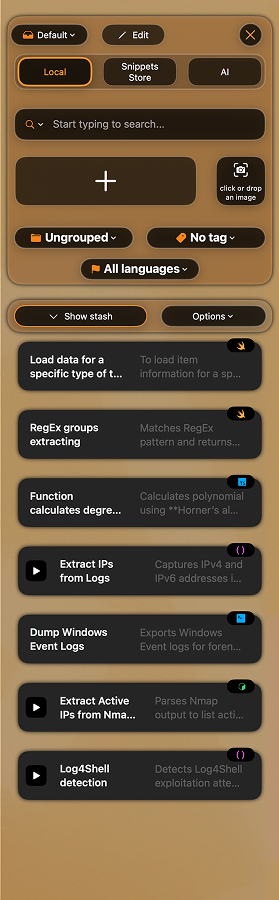
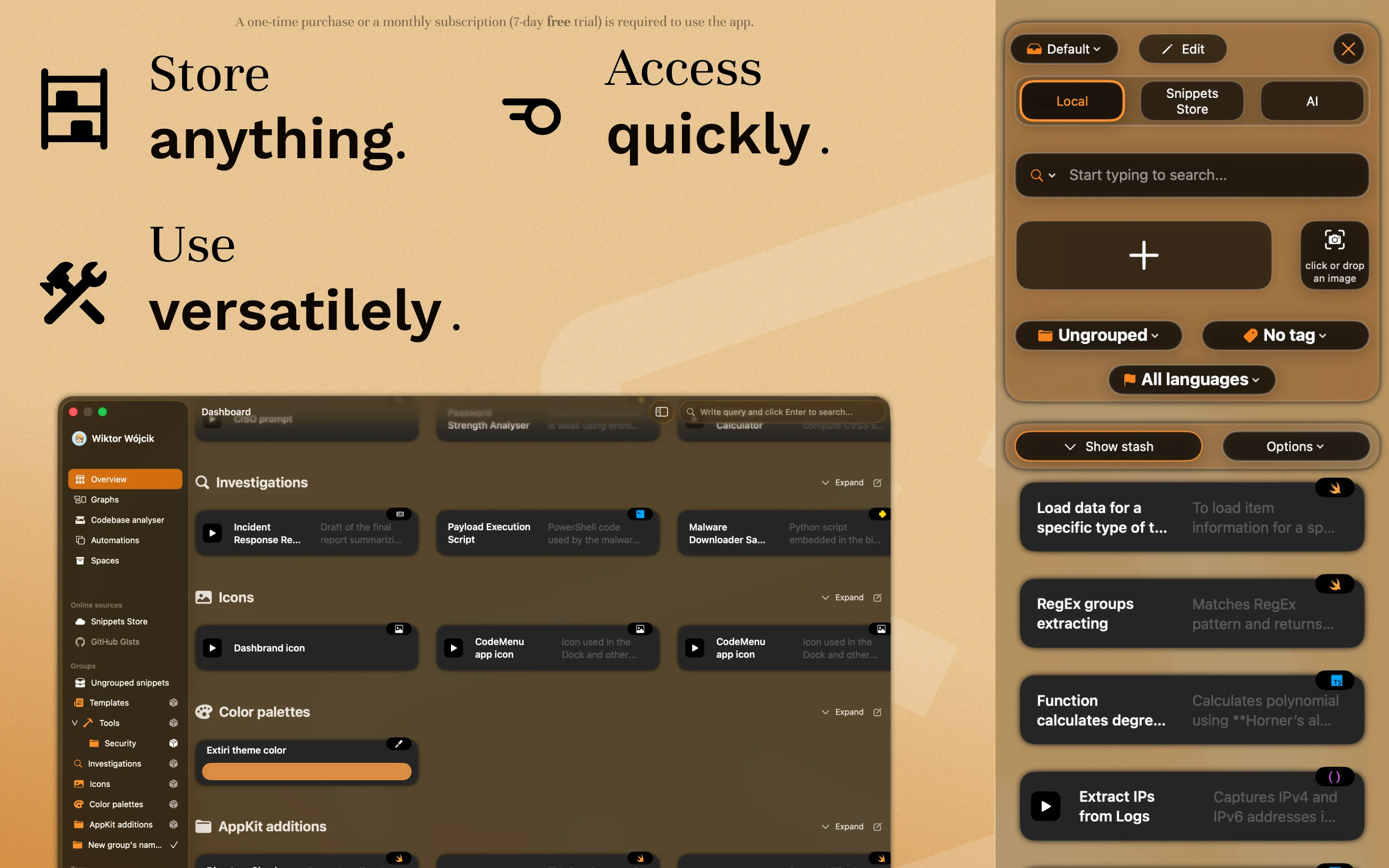
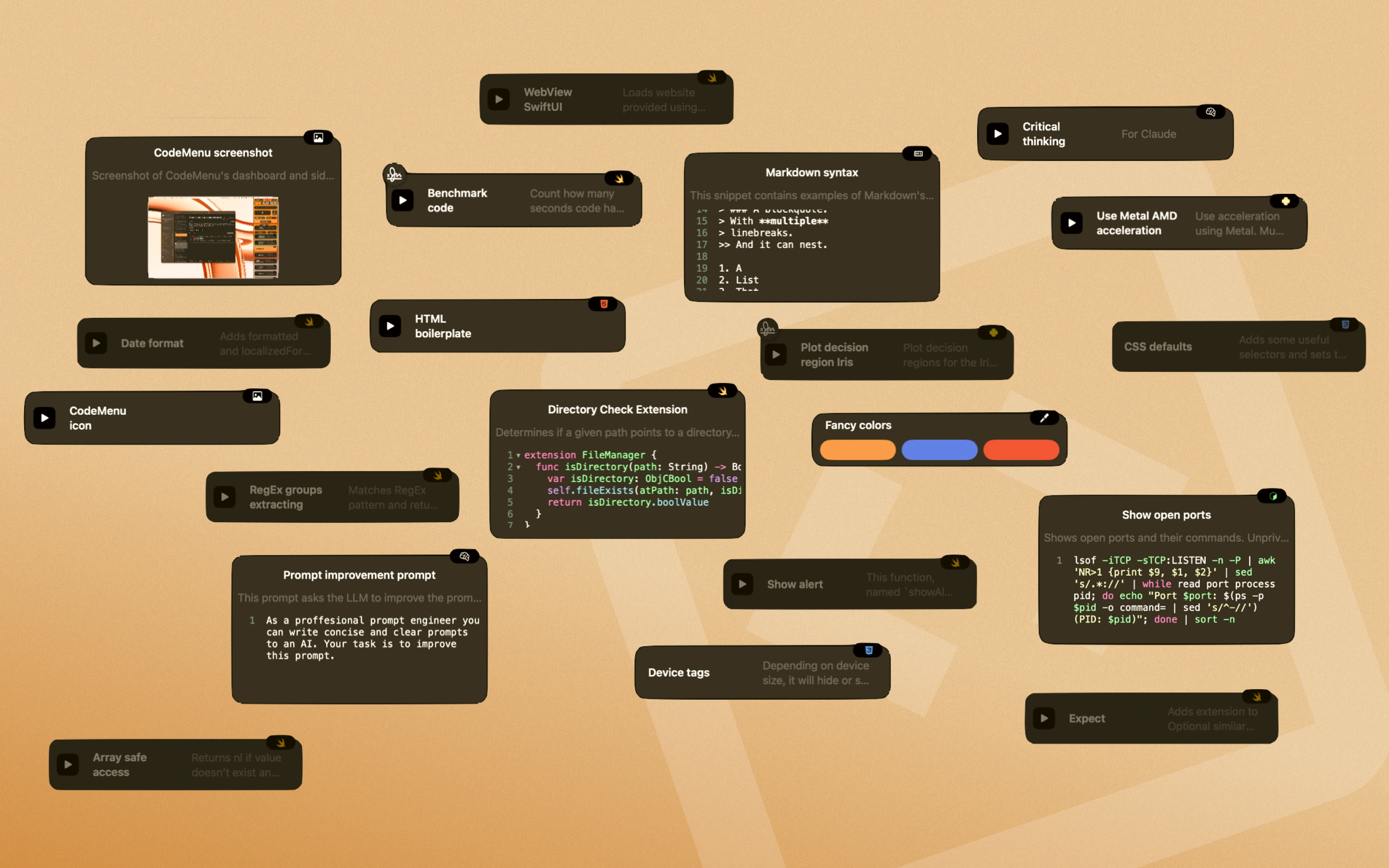
CodeMenu Main Dashboard Window CodeMenu Quick Side Panel Window

Capabilities

Your second brain, --offline

Designed for the modern developer workflow. No cloud sync required. No subscription needed.

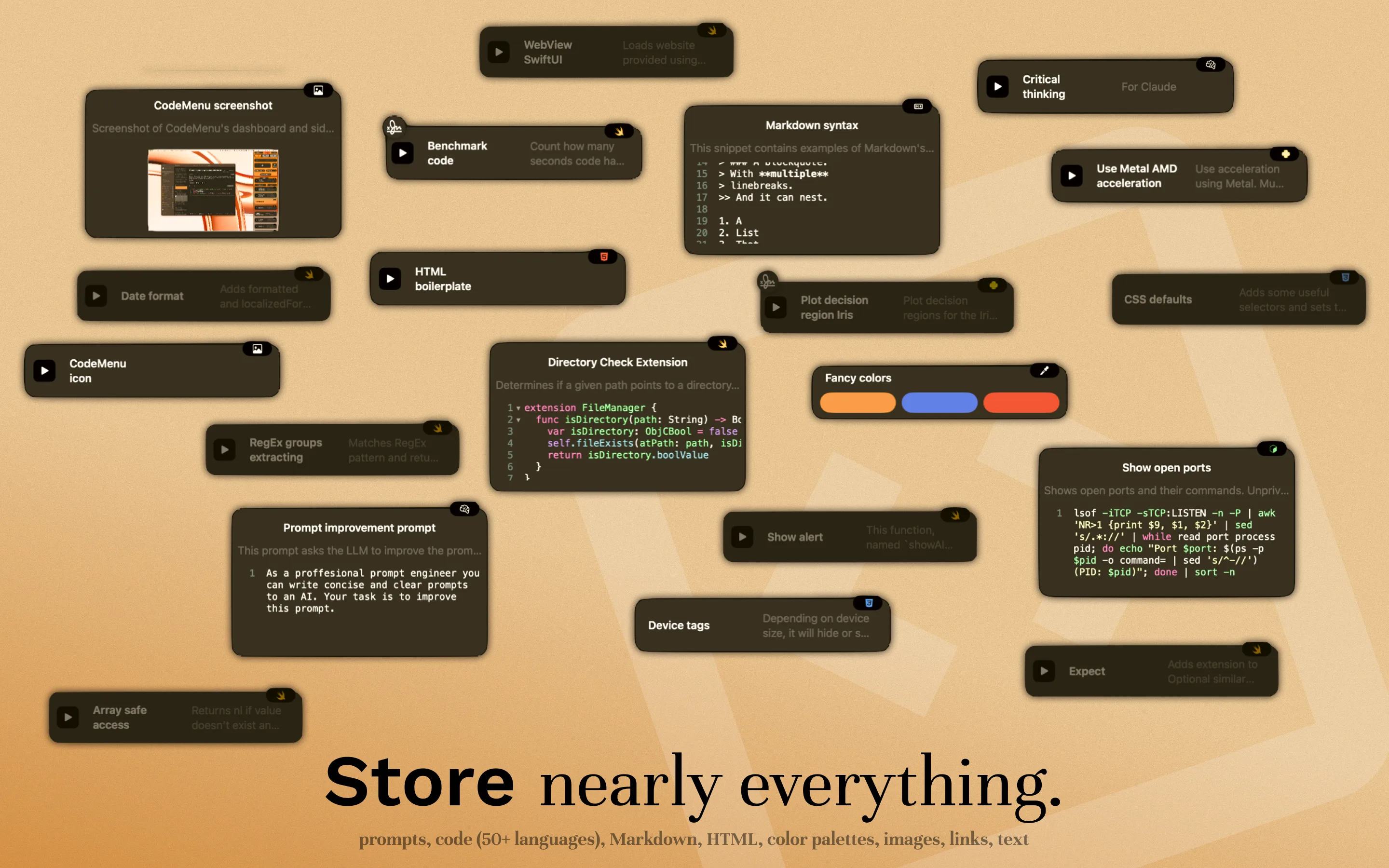
Polyglot Artifact Storage

It's not just for code. Store the entire context of your feature.

Code
60+ languages
AI Prompts
System templates
Images
Design refs
Notes
Markdown + LaTeX
Colors
Design tokens
Links
Web bookmarks

AI-Powered

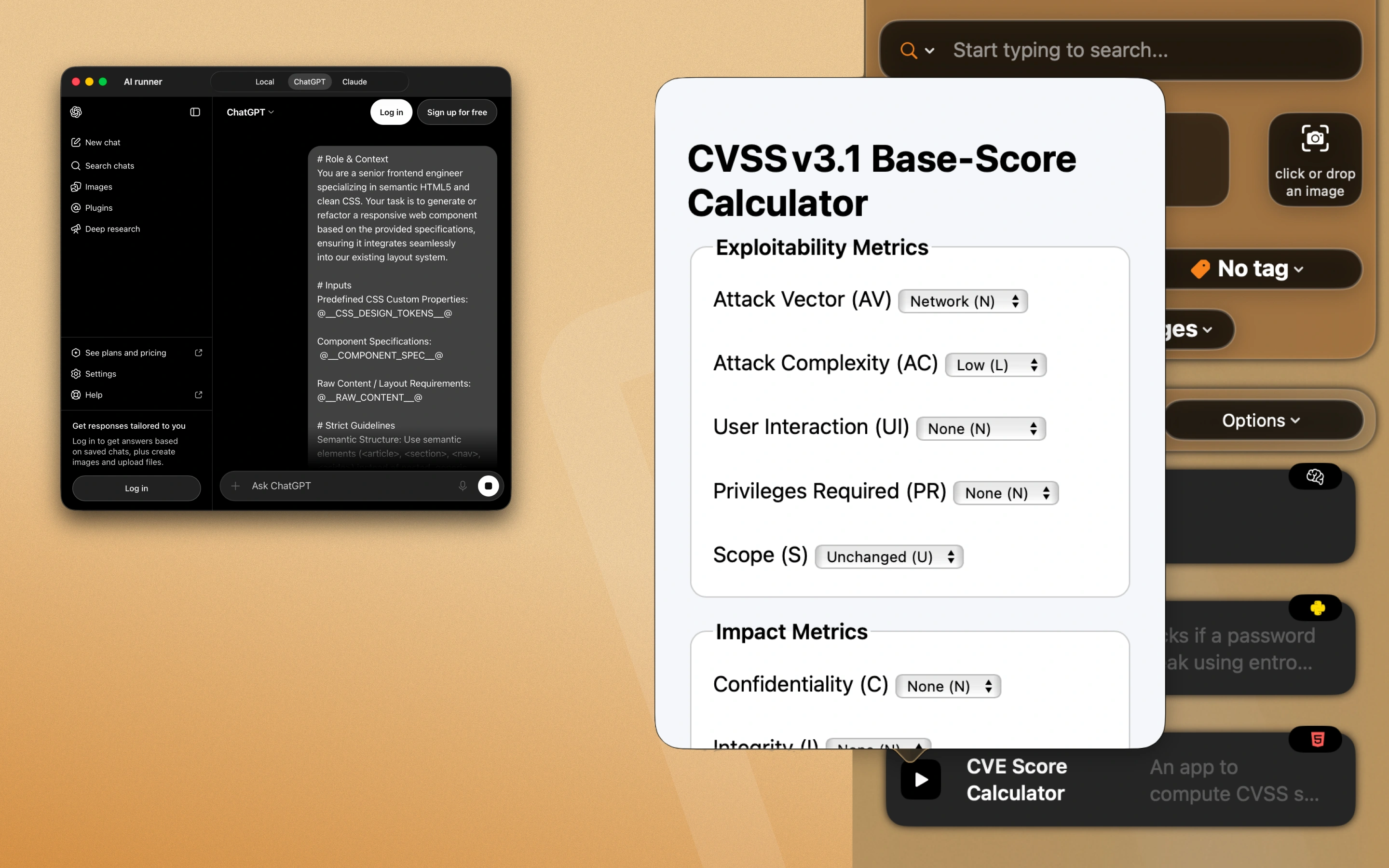
Chat with your snippets using the built-in AI, or connect external agents via the MCP Server. Your knowledge base becomes the context layer for every AI tool you use.

You: How do I use the CVE calculator? AI: Based on your "CVSS v3.1 Base-Score Calculator" snippet…

Scriptable Actions

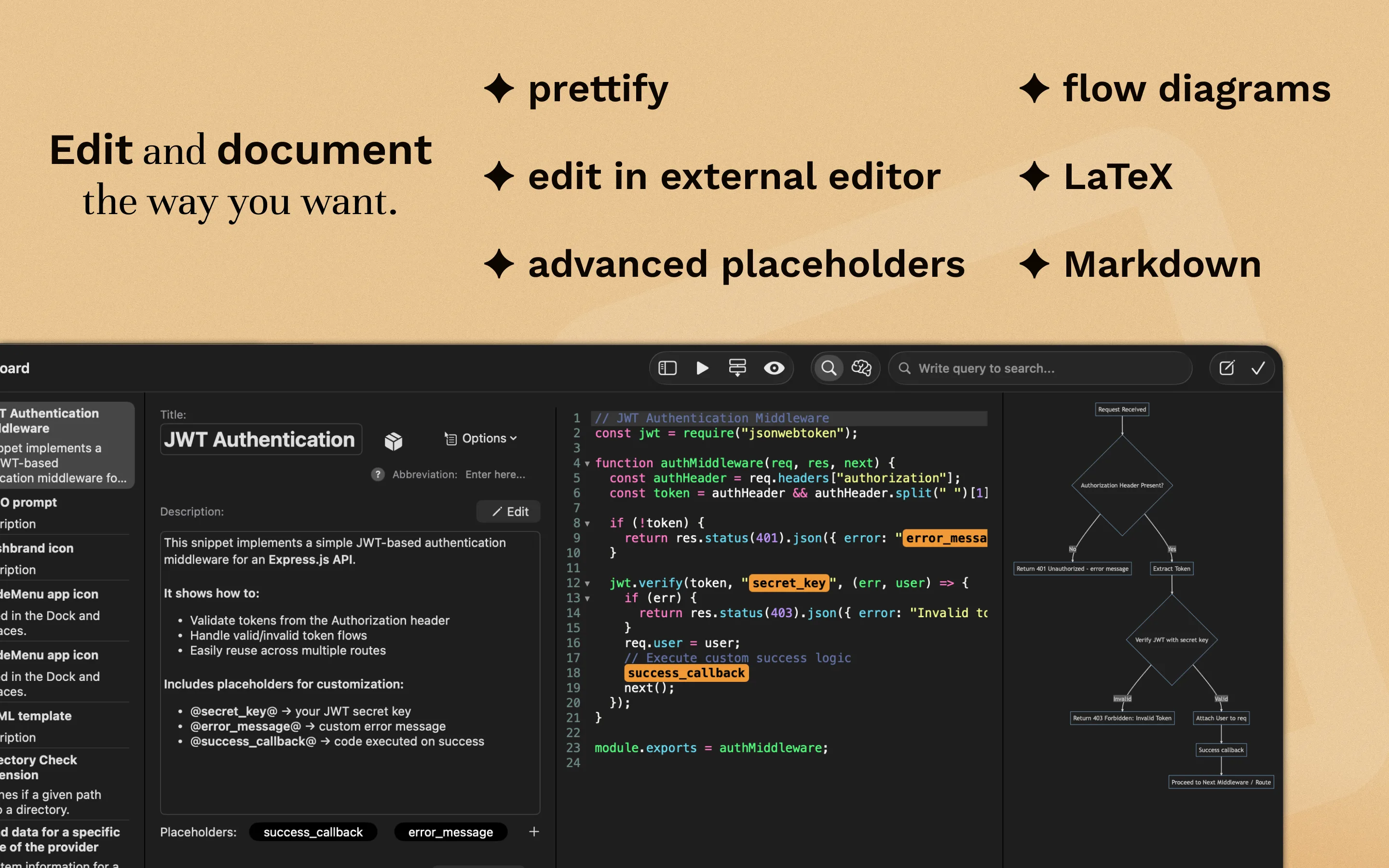
Automate your knowledge base maintenance. Write scripts to bulk-refactor code, validate snippet syntax, or generate reports. Full access to read and modify your library programmatically.

// Example: Add license header to all Swift files const license = "// Copyright 2026 Extiri\n"; for (let i = 0; i < snippets.length; i++) { let s = snippets[i]; if (s.lang === "swift" && !s.code.includes("Copyright")) { s.code = license + s.code; s.update(); // Persist changes alert("Updated", s.title); } }

Syntax highlighting for 60+ languages

Your snippets stay readable with proper highlighting.

Prompt
Image
Color
APL
PGP
ASN.1
CMake
C
C++
Objective-C
Kotlin
Scala
C#
Java
COBOL
CoffeeScript
Lisp
CSS/SCSS
Django
Dart
Dockerfile
Erlang
Fortran
Go
Groovy
Haskell
HTML
HTTP
JavaScript
TypeScript
JSON
ECMA
Jinja
Lua
Markdown
Maths
N-Triples
Pascal
Perl
PHP
PowerShell
Properties
Protobuf
Python
R
Ruby
Rust
Sass
Scheme
Shell
SQL
SQLite
SPARQL
MySQL
LaTeX
Swift
Text
TOML
Turtle
VB.NET
Vue
XML
YAML
RegEx

Integration

The missing layer in your stack

CodeMenu sits between your editor, your terminal, and your AI tools.

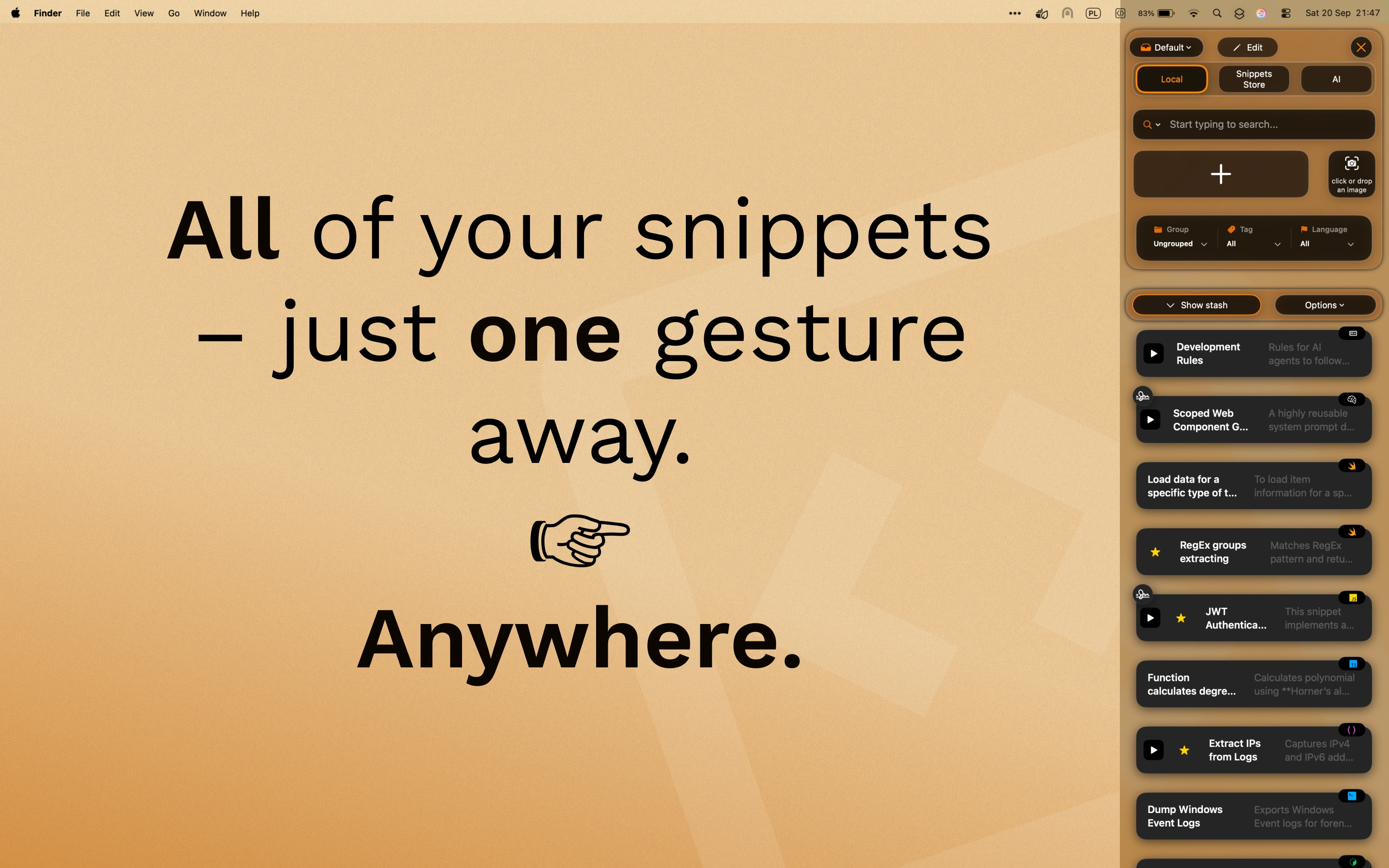
Side Window

Side Window & Suggestions app

Keep CodeMenu pinned next to VS Code or Xcode. Drag and drop snippets, or use the Suggestions companion app to find relevant code without leaving your editor (type §§).

Suggestions App
CLI

Terminal Access

Access your library via cdmn. Features a TUI for browsing, fuzzy search for quick retrieval, and scriptable output (like JSON).

# Install cdmn $ go install github.com/extiri/cdmn@latest # Fuzzy search for "show alert" $ cdmn get "show alert"
CodeMenu CLI
AI

Give Claude or Cursor access to your personal knowledge base.

Connect CodeMenu to Claude Code, Cursor, or VS Code using the MCP server. Give your AI assistant secure, local access to your personal documentation, prompt documents, and verified code patterns.

MCP Server
CodeMenu promo 1 CodeMenu promo 2 CodeMenu promo 3 CodeMenu promo 4 CodeMenu promo 5 CodeMenu promo 6 CodeMenu promo 7

Engineered for Focus

Keep the working context visible, searchable, and ready to reuse

CodeMenu is built around the pieces that make developer work repeatable: focused spaces, connected artifacts, quick previews, and automation hooks that keep your library close to the tools you already use.

Structured for Focus

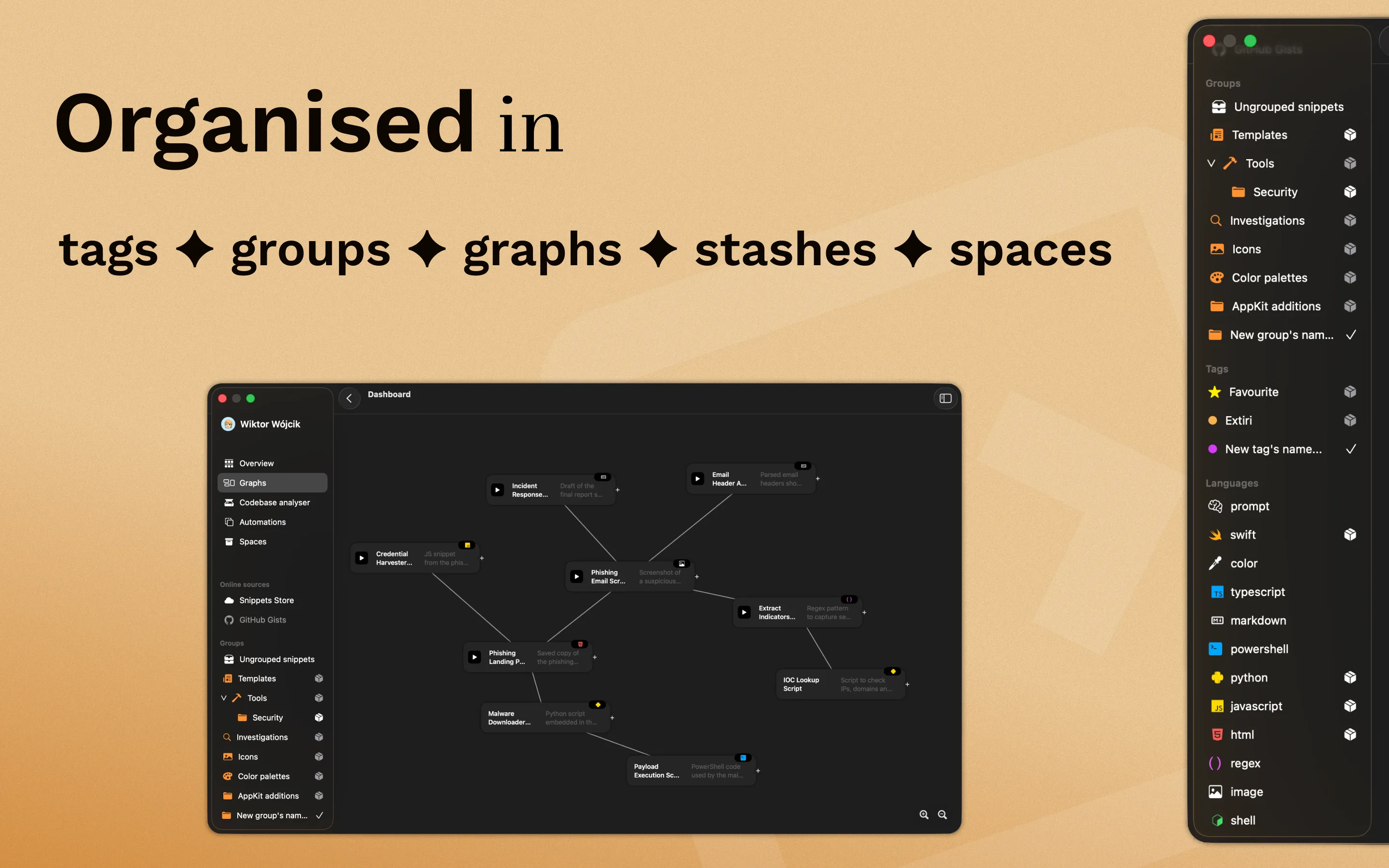
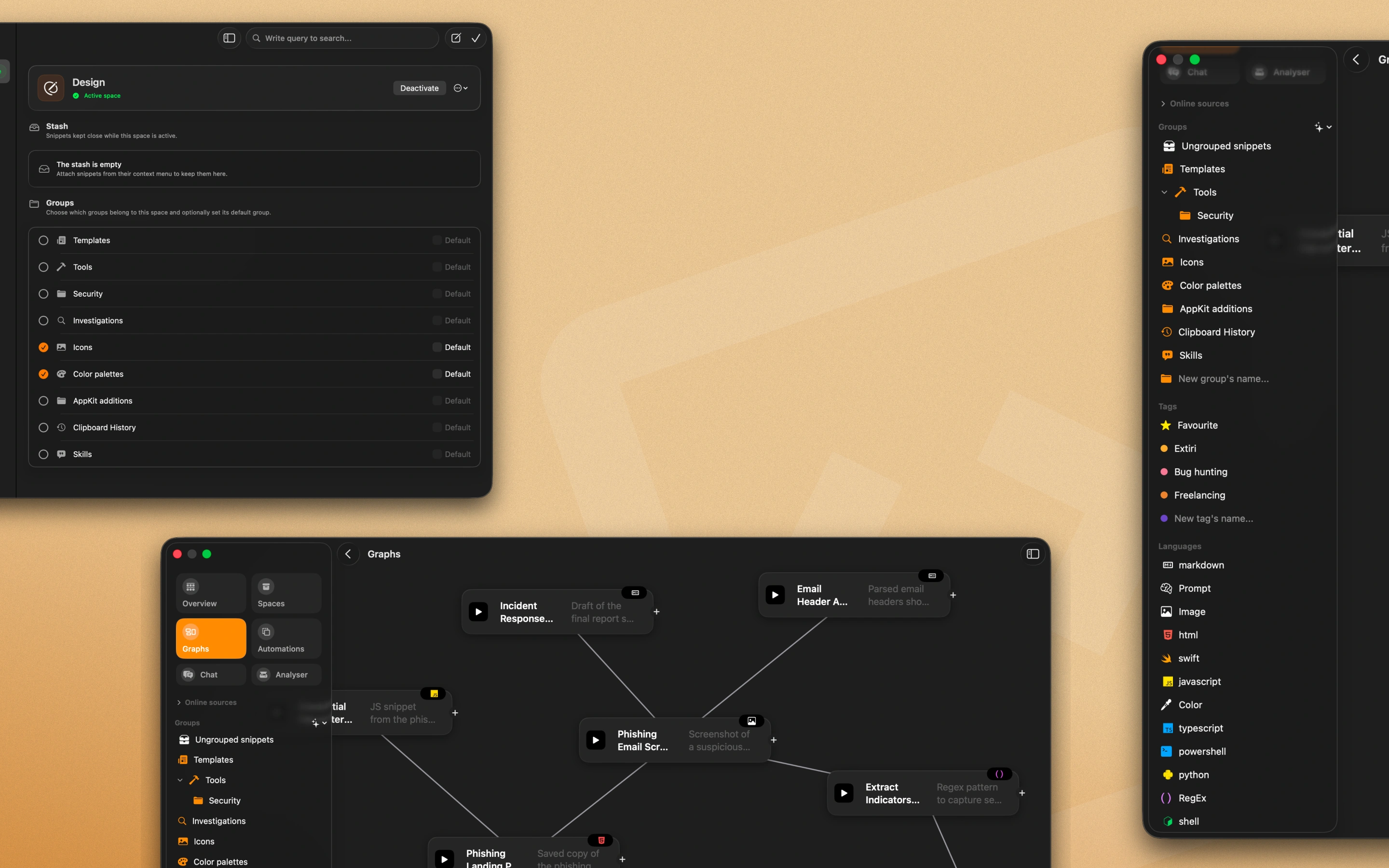
Context switching kills flow. Use Spaces to isolate only the snippets relevant to your current project. Drop temporary ideas into Stashes for quick access without the clutter, while Groups and Tags remain available when a broader taxonomy helps.

Visual Knowledge Graph

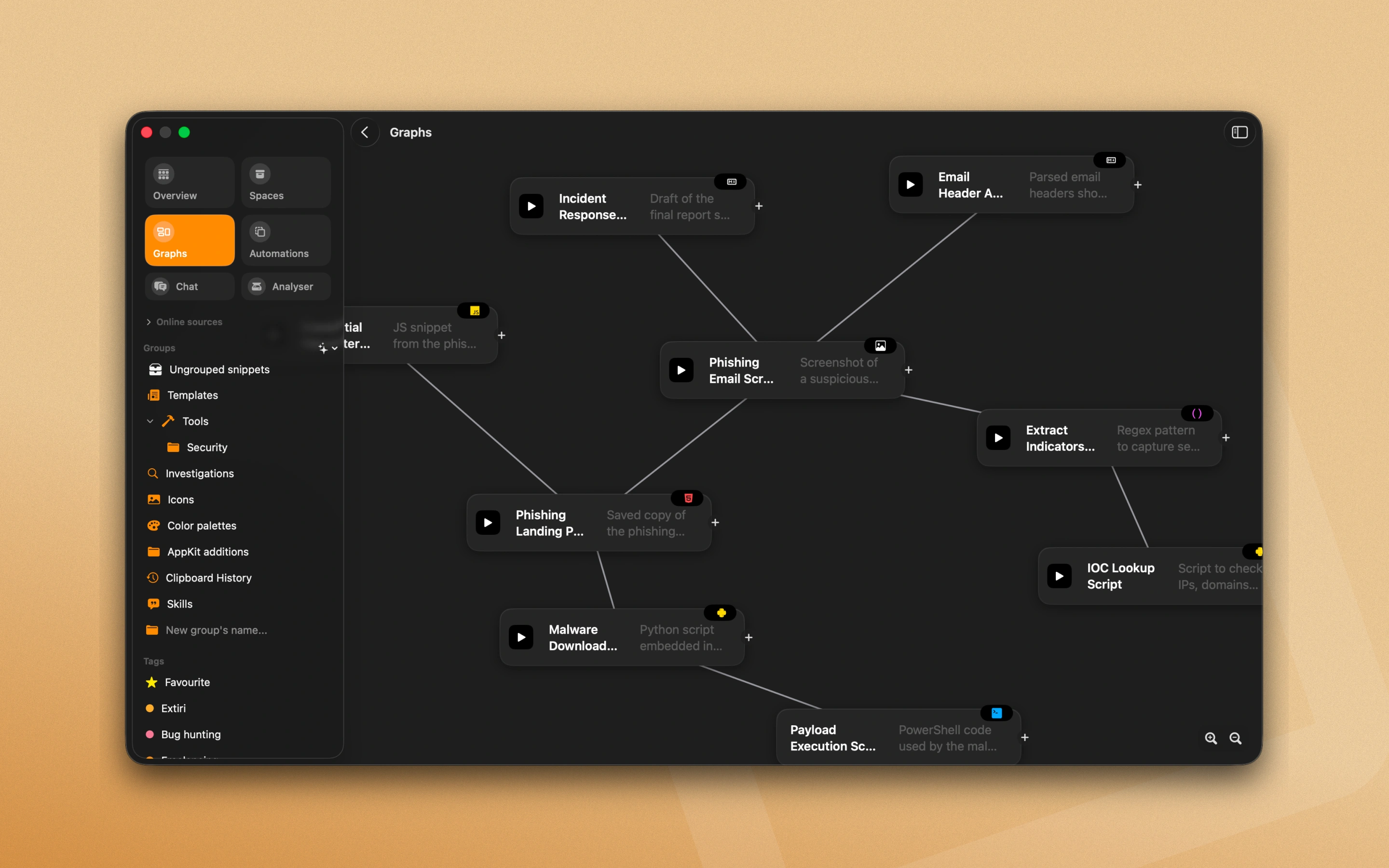
Knowledge does not live in isolation. Link an OSINT screenshot to research notes, or connect a database config to its migration script. Navigate your library visually and rediscover connections you already made.

First-Class Artifacts

It is not just a text bucket. CodeMenu renders Markdown with LaTeX support, previews images and colors, and highlights syntax for 60+ languages. Store the entire context of your work, from PDFs to shell scripts.

Run & Preview

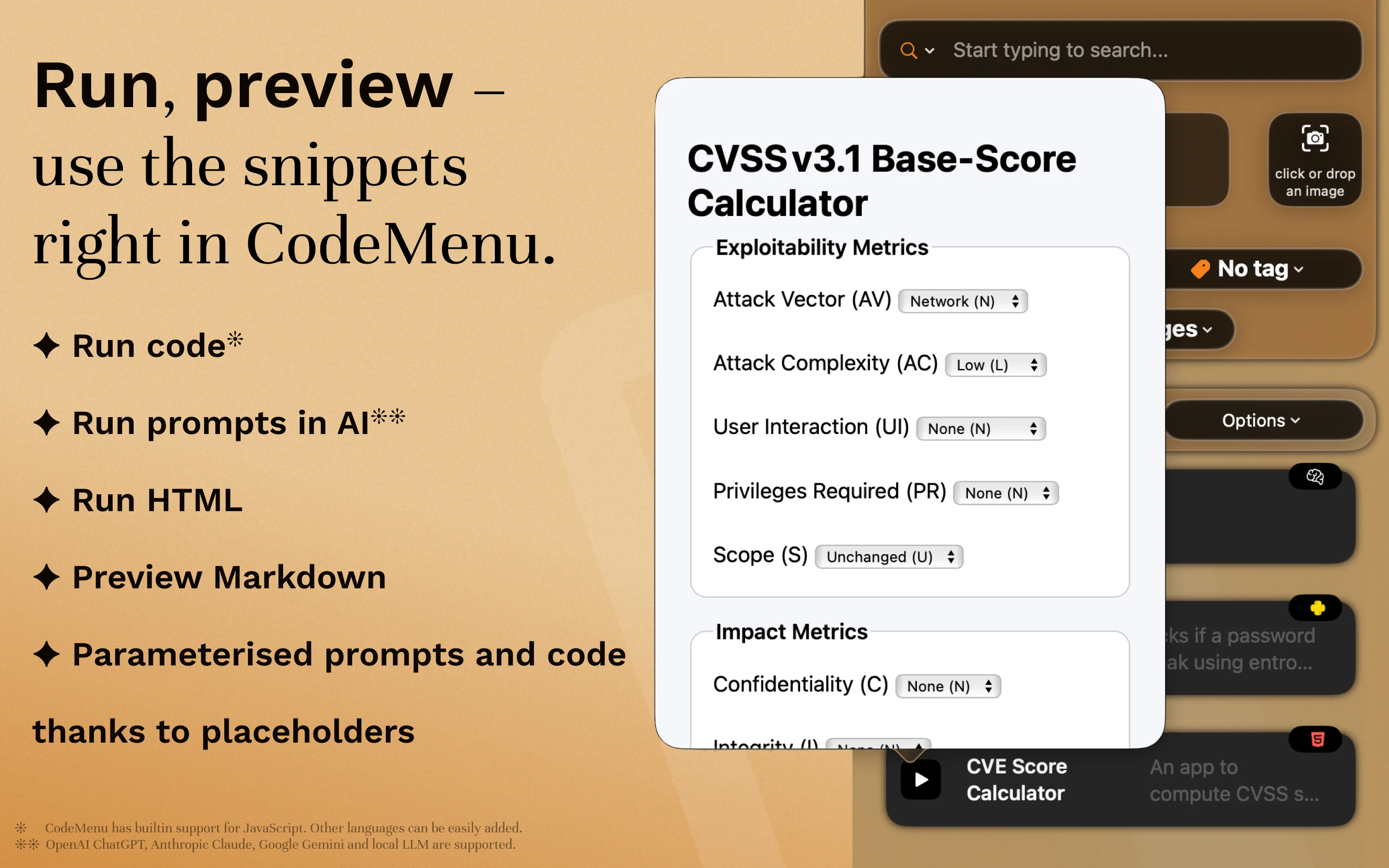
Do not just store code. Execute shell scripts directly from the app, preview HTML and JavaScript in a sandboxed web view, and test a regular expression before you commit it.
Organization with Spaces and Stashes
Graph View showing connected nodes Various content types including images and code
Running and previewing code snippets

Headless & Scriptable

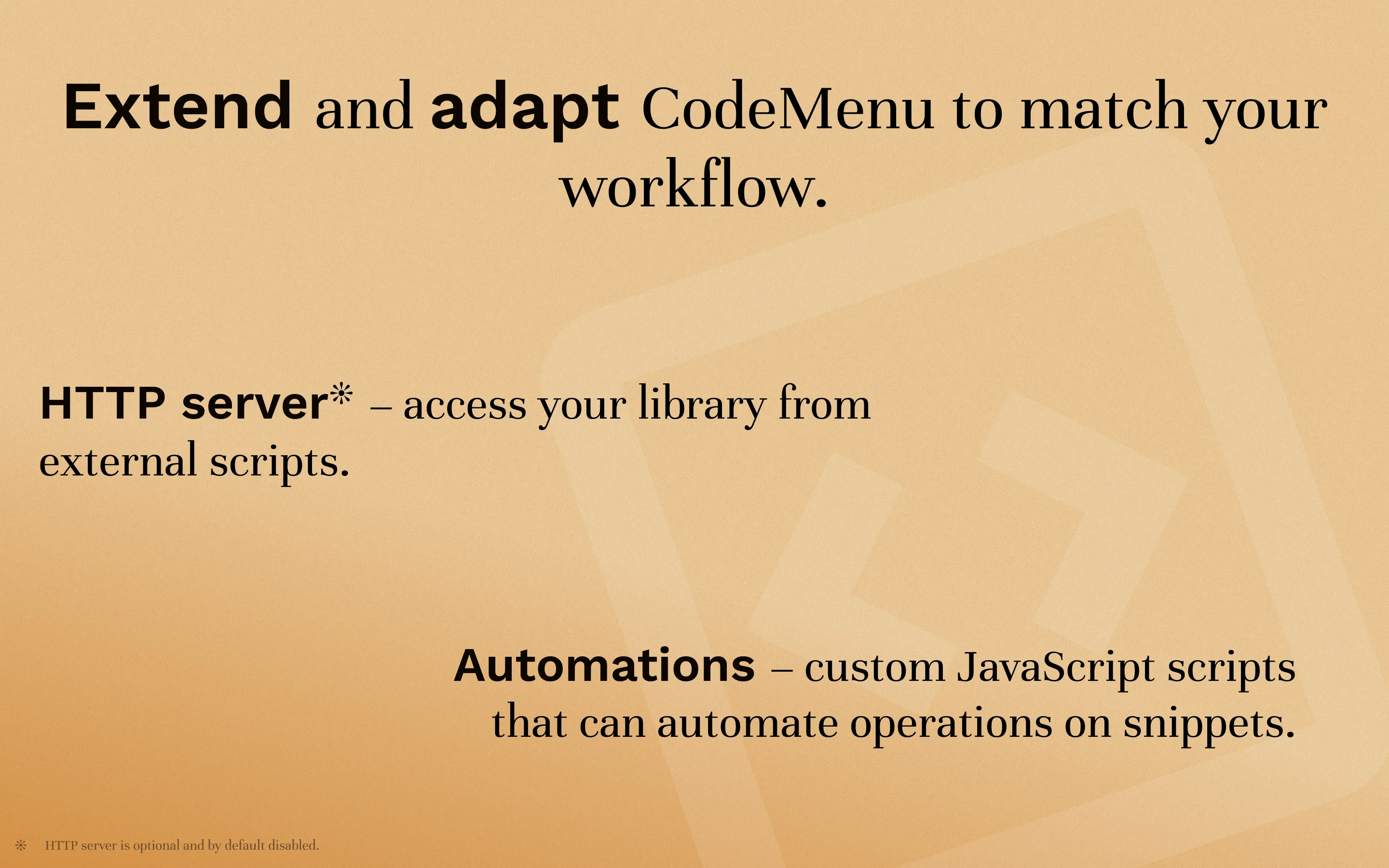
The built-in HTTP server exposes your library to local tools. Fetch snippets with curl, integrate with Raycast, or write JavaScript automations that transform content on paste.

# Access your snippets from anywhere $ curl localhost:1300/v1/snippets

Find snippets even when you don't remember the exact words.

Semantic search retrieves relevant code from your own library based on meaning. Ask questions naturally to find that reusable shell command or API example you saved months ago.

Shortcuts Integration

CodeMenu ships with Shortcuts actions to create, search, update, and organise snippets, groups, and tags without opening the app.

And So Much More

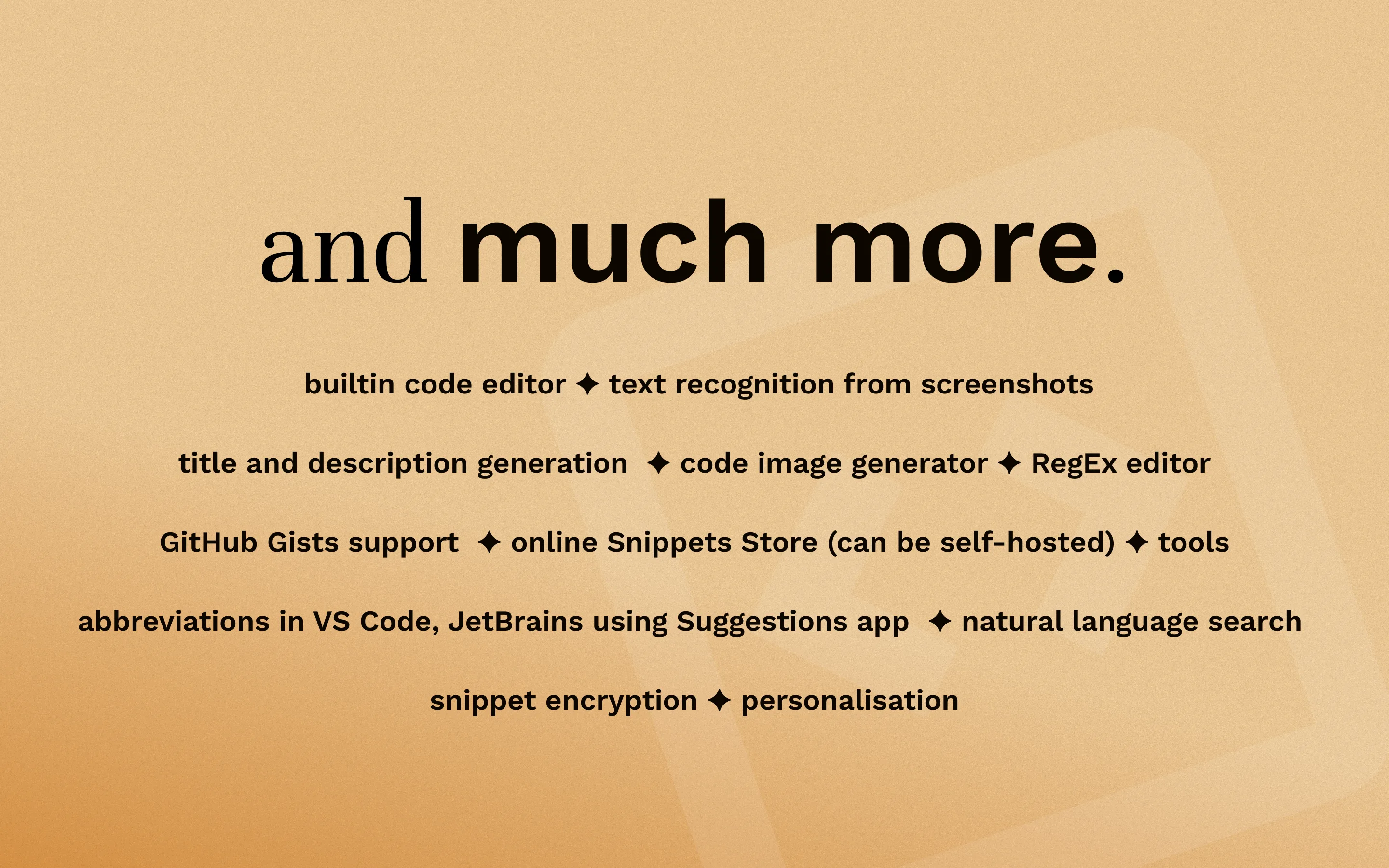
Generate shareable code images, recognise text from screenshots, encrypt sensitive snippets, sync via iCloud, publish to GitHub Gists, or host your own Snippets Store.

More than a snippet manager

Basic snippet tools CodeMenu
Content types Text Code, prompts, images, colors, notes
Organization Folders, tags Folders, tags, graph links
Search Text search Text search + semantic search
Automation Text expansion JavaScript, HTTP calls, dynamic placeholders
Data storage Cloud Local (offline-first)

Ready to upgrade your developer knowledge base?

Experience local-first snippet management with instant semantic search, AI prompt tools, and seamless workflow integrations.

Use Cases

Developer Workflows

FAQ

A code snippet manager is a tool that allows developers to save, organize, and quickly retrieve reusable blocks of code. CodeMenu goes beyond this by also acting as a developer knowledge base for storing documentation, API examples, and visual assets.

Developers typically organize snippets using tags, folders (Spaces), and sometimes visual graphs to link related items. With CodeMenu, you can categorize your reusable shell commands, SQL queries, and project architecture notes to keep your workspace clutter-free.

Yes. CodeMenu acts as an AI prompt manager, letting you store, version, and organize system templates or complex instructions for LLMs, replacing scattered text files.

Yes, CodeMenu features semantic search, allowing you to find snippets and notes based on the intent of your query even if you don't remember the exact function name or syntax.

Yes. Using the built-in MCP server, you can give AI assistants like Claude or Cursor secure access to read your personal knowledge base, grounding their answers in your verified code.

Yes, it does. You can sync your snippets and some settings across your devices using iCloud by enabling it in the settings.

CodeMenu supports two types of models for the AI chat and generation features. First is builtin which allows you to use Mistral 7B and Gemma 2 2B. Second is Ollama app. If you download Ollama you can then connect CodeMenu to it and use any model available through it.

CodeMenu is offline-first and privacy-focused. Your code never leaves your machine unless you explicitly choose to share it.

The built-in HTTP server provides a local API for your other tools to access your library. It is not for public sharing. Use it to fetch snippets via scripts, integrate with Raycast/Alfred, or build custom workflows that need access to your knowledge base.

Yes. CodeMenu is designed to be the context layer for your AI. Use the MCP server to let Claude or other agents query your library, or use the local semantic search to find relevant context to paste into your LLM.

Yes, there is a 14-day free trial available on the Mac App Store. You can choose between a one-time purchase or a subscription.

The CodeMenu Newsletter

Join the community. Get tips on building your personal knowledge base, advanced workflows with AI, and updates on new CodeMenu features.