The Prompt Sprawl Problem
As AI becomes more integrated into our workflows, writing good prompts has become a daily task. But where do you store your complex system prompts, large context files, and examples of good responses?
For most developers, they are scattered across Apple Notes, random text files on the desktop, and buried in chat history. Finding the right prompt for the right task is a massive friction point, leading to lost time and inconsistent AI results.
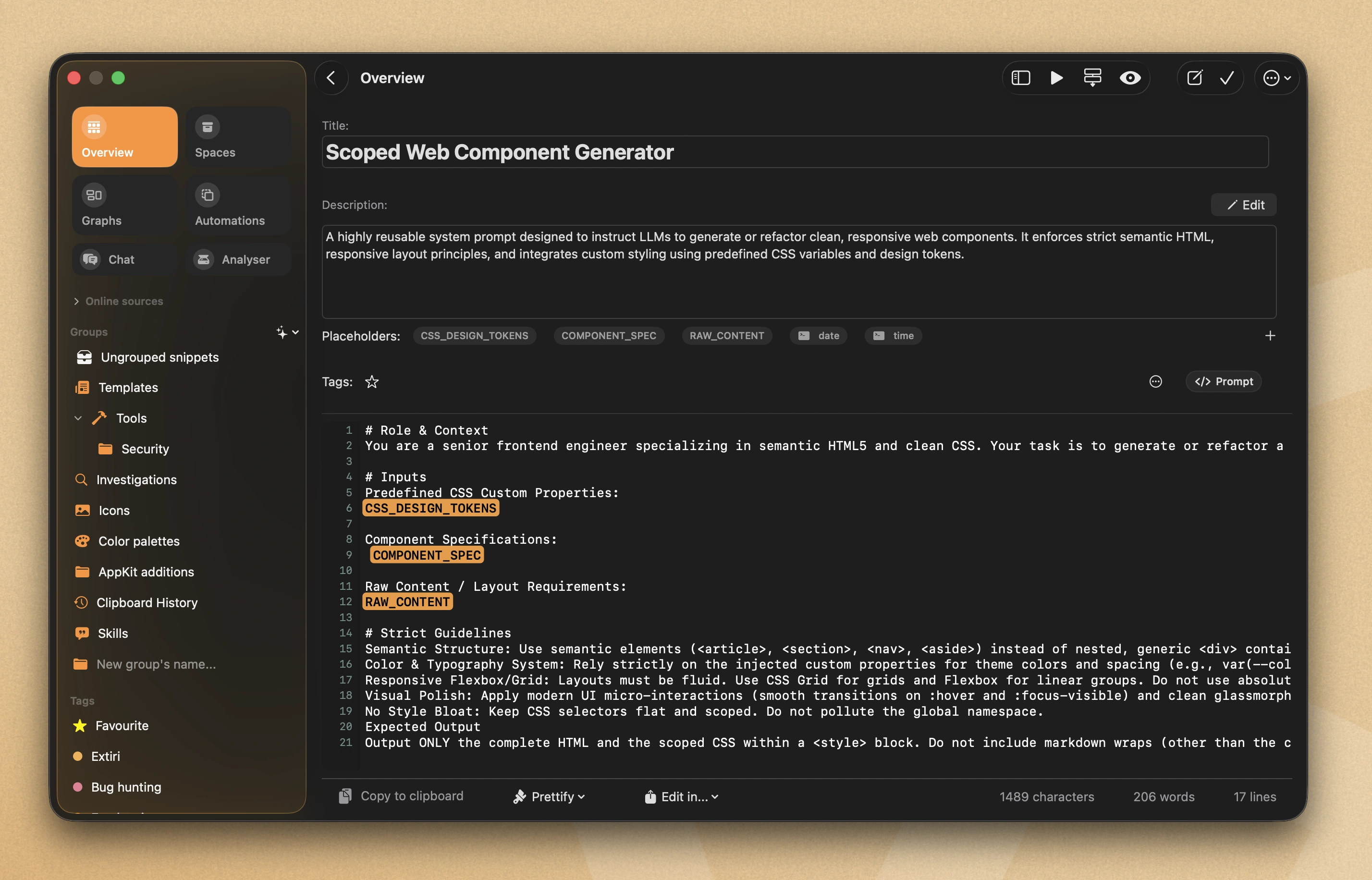
CodeMenu managing complex prompt templates and context files.
A Structured Prompt Library
CodeMenu is the perfect AI prompt manager. You can create a dedicated Space for your prompts and use Tags to distinguish between "System Prompts" and "Task Prompts". Because it is a native offline app, your proprietary company prompts are never sent to a cloud sync service.
CodeMenu also features a headless HTTP server and Shortcuts integration. This means you can write JavaScript automations to fetch these prompts directly into your command line scripts or custom workflows.
| Feature | Apple Notes / Text Files | CodeMenu |
|---|---|---|
| Code Formatting | Breaks formatting and indentation | Preserves exact syntax for 60+ languages |
| Organization | Messy folders | Tags, Spaces, and Visual Knowledge Graph |
| Search | Basic keyword search | Semantic Search (find by meaning) |
Workflow in 3 Steps
- Create a Template: Write your complex prompt containing placeholders (e.g.
@__USER_CODE__@). - Organize: Tag it as
#cursor-ruleor#claude-system. Add it to a "Prompts" group. - Deploy: Use the prompt instantly using the side window or fetch it via CodeMenu's local HTTP API to pipe into an automation script.