The "Missing Context" Bottleneck
AI assistants are incredibly smart, but they know nothing about your specific project rules, internal API guidelines, or personal coding style. To get good results, you constantly have to copy and paste your coding guidelines or past snippets into the chat window.
This manual copy-pasting is slow and breaks your focus. It is the biggest bottleneck in AI-assisted coding today.
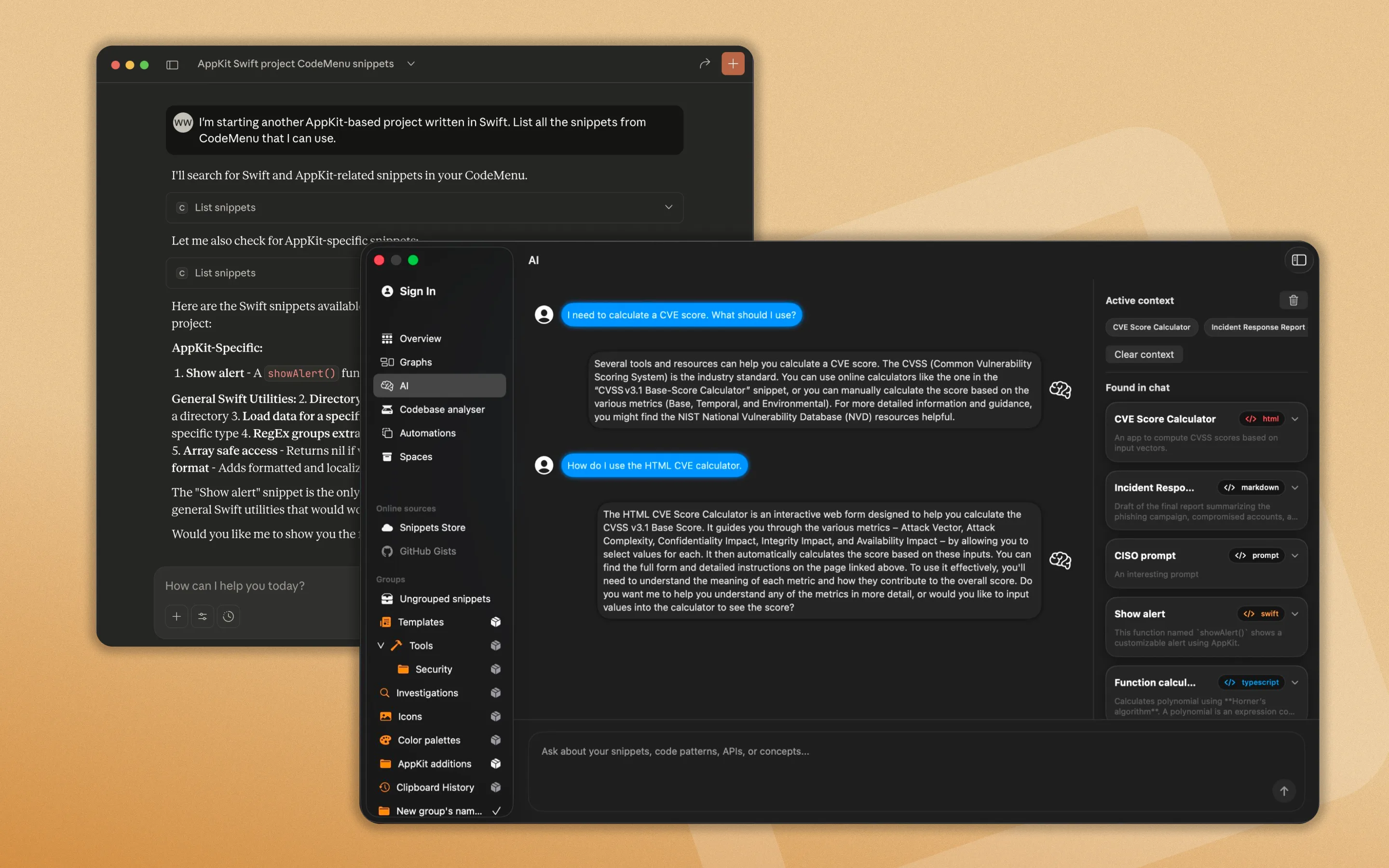
Claude querying the CodeMenu local database via MCP.
The Model Context Protocol (MCP) Solution
CodeMenu includes a built-in MCP Server. By connecting CodeMenu to Claude Desktop, Cursor, or any other MCP-compatible client, your AI agent can actively search and read your personal knowledge base on its own.
Instead of pasting your UI guidelines, you simply tell the AI: "Build a new button component following the guidelines in my library." The AI will query CodeMenu, read the guidelines, and write the code exactly how you want it.
Alternatively, if you prefer local AI, CodeMenu integrates with Ollama and has built-in support for models like Mistral 7B and Gemma 2 2B, letting you chat with your snippets without leaving the app.
Why Local is Better
Because CodeMenu runs entirely offline on your Mac, your private API wrappers and sensitive company code stay secure. You get the power of personalized AI generation without uploading your knowledge base to a third-party server.