The AI Hallucination Fatigue
AI tools like ChatGPT and GitHub Copilot are incredible at generating boilerplate, but they are not perfect. We've all experienced the frustration of spending 20 minutes prompting an AI, fixing its mistakes, and finally getting a working component—only to need the exact same thing two weeks later.
If you don't save that verified solution, you are forced to repeat the prompt-and-fix cycle. Developers need a single source of truth for code that they have personally tested and verified.
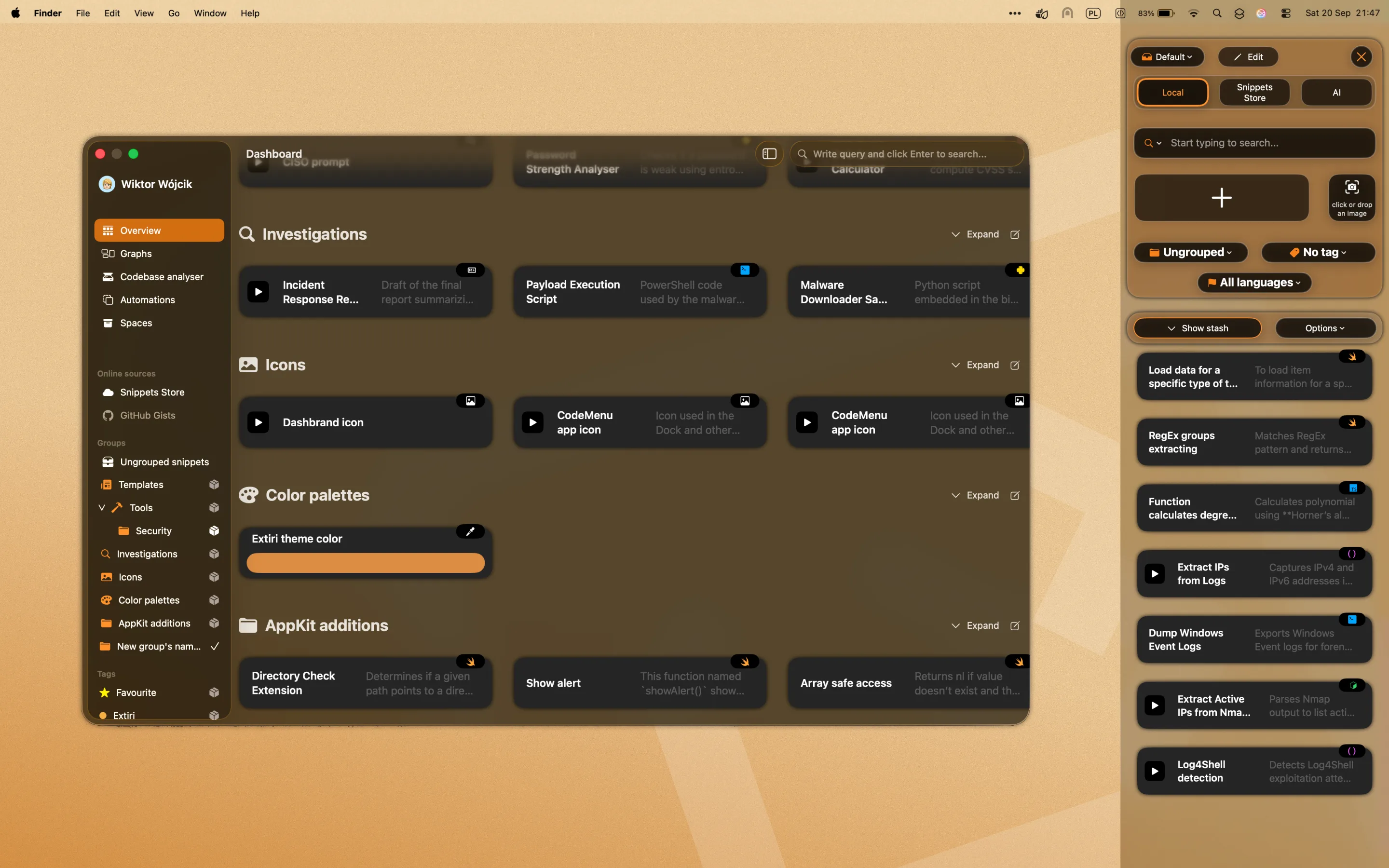
The CodeMenu main interface showing snippet collections and organizational categories.
Local-First Curation
CodeMenu acts as your personal, curated library. When AI gives you an answer that works, you immediately save it to CodeMenu. It supports over 60 languages with full syntax highlighting. Because of the built-in semantic search, finding that verified snippet next time takes two seconds instead of twenty minutes.
You can use Spaces to group snippets by project, and Tags for cross-project categorization. If you have an idea you just want to jot down quickly without organizing it, you can drop it into a Stash.
Workflow in 3 Steps
- Generate & Test: Use your favorite LLM to create a new feature.
- Save the Artifact: Highlight the verified code, and drop it into CodeMenu. Add tags like
#reactor#auth. - Retrieve on Demand: Ask questions naturally to the semantic search, or use the Suggestions app to find and inject the verified code directly into your editor.