
Spreadsheets Weren't Built for Infrastructure
Many teams manage their shared infrastructure in Notion tables or Excel spreadsheets. But static text cannot alert you when a domain expires, nor can it open an SSH terminal to your server.
Static documentation becomes outdated the minute it is written, leading to confusion and errors when team members rely on stale data.
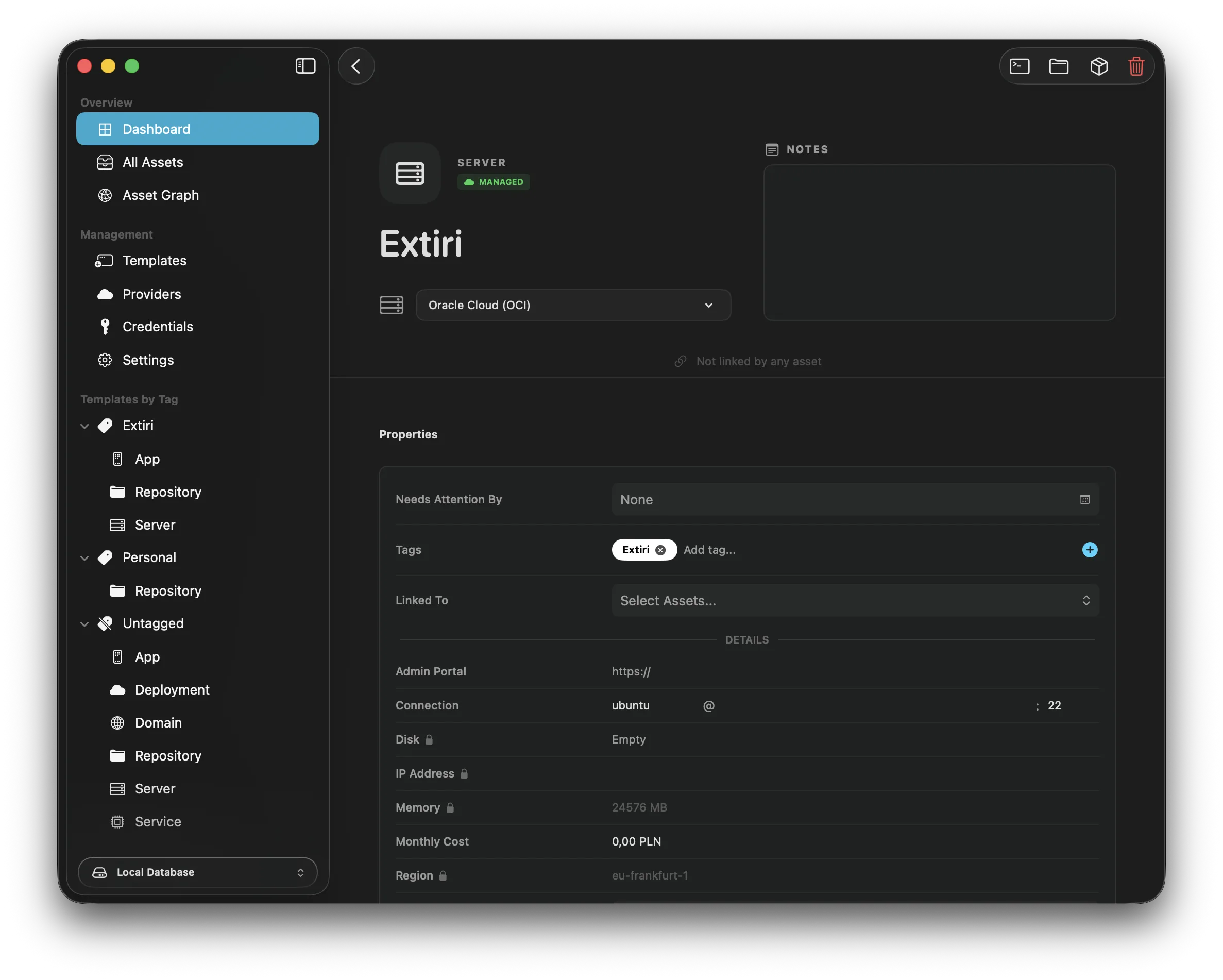
Detailed view of a VPS server asset in Resso, complete with SSH connection buttons.
An Executable Team Inventory
Resso is a living dashboard. It doesn't just store an IP address; it understands that the IP belongs to a server. If you define a connection property with your SSH credentials, you can click a button in Resso to instantly launch a secure terminal or browse files via SFTP.
When working with others, you can use a remote backing store. Resso supports connecting to the official self-hosted remote database server, giving your whole team a single, synchronized source of truth for all infrastructure.
Programmatic Access
Because Resso offers the ressoc CLI, a local API server, and an Ansible Inventory plugin, your infrastructure data isn't trapped in a graphical interface. You can write deployment scripts or Ansible playbooks that query Resso directly to find the correct server IPs for staging and production environments.